Create
Menu
A small robot and a glowing flower on an observatory rooftop, an original story concept illustration

What is Vixel AI?

Your imagination.
A world on screen.

Vixel AI is a creative workspace for turning stories into short films. Develop your script, characters and shots with an AI Director. You decide what happens next.

Original concept illustration

Loved by creators working at

Made with Vixel

Small ideas. Real films.

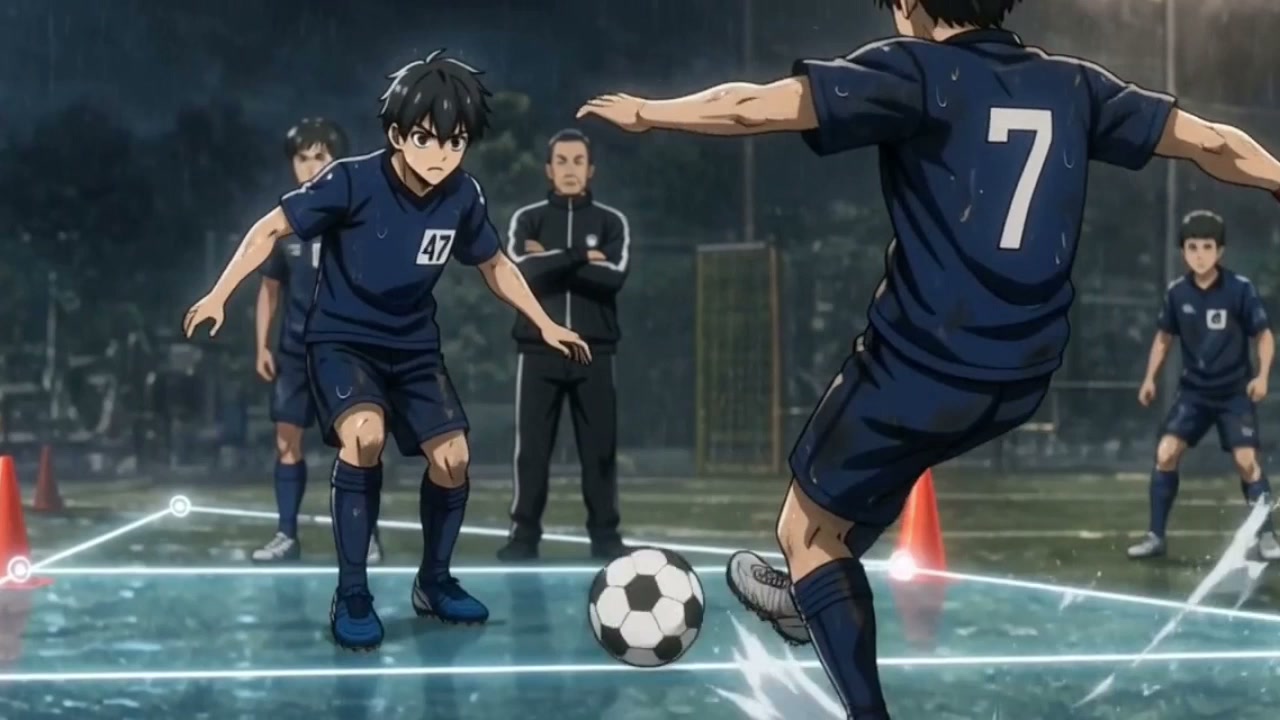
Films by the Vixel team. Find a world you love, then explore how it came together.

Your idea could be the next story.
An original concept illustration of a small repair robot tending a glowing flower on an observatory rooftop at duskOriginal concept illustration · A starting idea

From a small idea to a story

You bring the spark.
You keep the direction.

  1. 01

    Start with a moment.

    A little robot. A rooftop garden. A flower worth saving. Describe your idea and review a script with Director.

  2. 02

    Find its look.

    Shape your characters, references and shots before generating video. Keep the character consistent →

  3. 03

    Make each shot count.

    Generate, review and refine your sequence. Keep what works; revisit what doesn’t. Learn to refine a shot →

Try this starting idea

Opens an editable brief. Review your script first; image and video generation uses credits.

Your creative toolkit

AI models.
All in one workspace.

Story, images and video. Bring your creative tools together around the story you want to tell.

Explore the tools

Available models and features vary by tool and plan. Review the model and credit estimate before generating.

A workspace for your kind of story

For the story you
can’t stop thinking about.

A first short, an animated world, a fresh way to introduce a brand. Start with something small enough to finish.

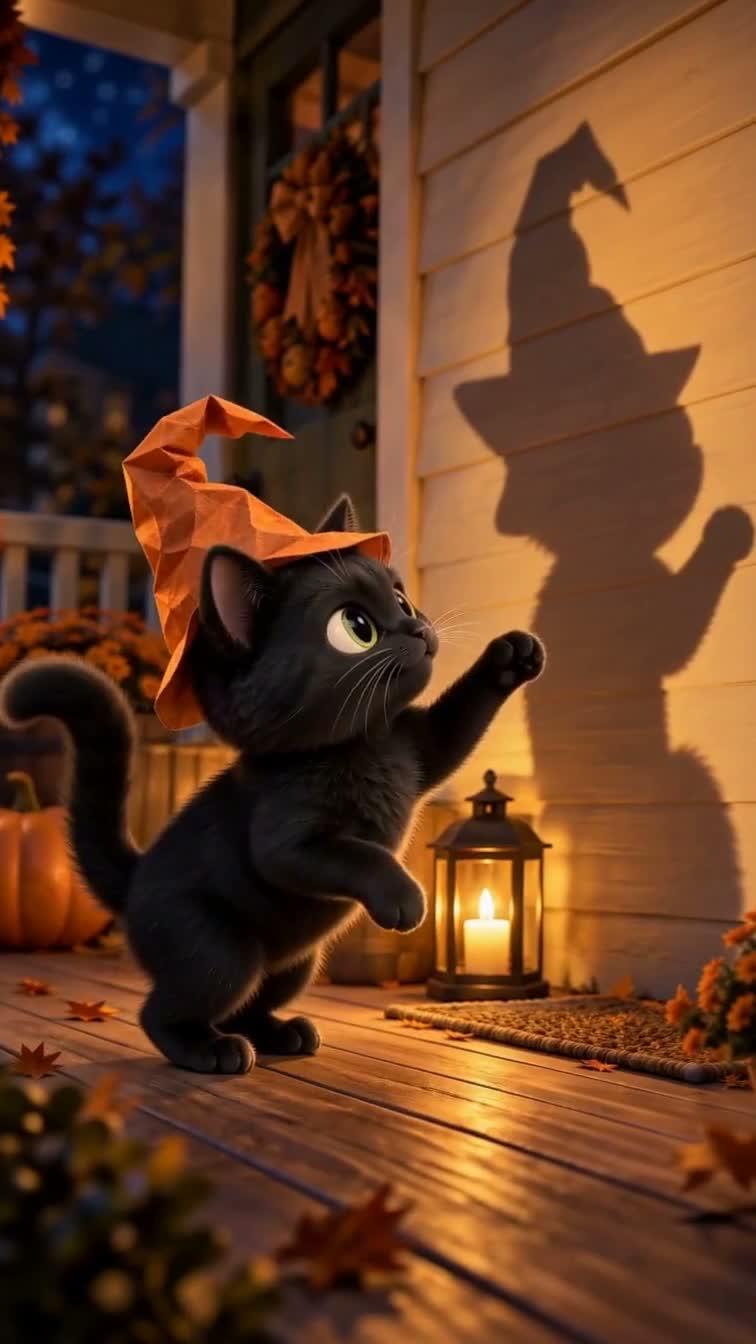
Vixel film example for first-time filmmakers

First-time filmmakers

One character, one place, one story. Follow a practical guide from your first idea to a sequence of shots.

Make your first film →
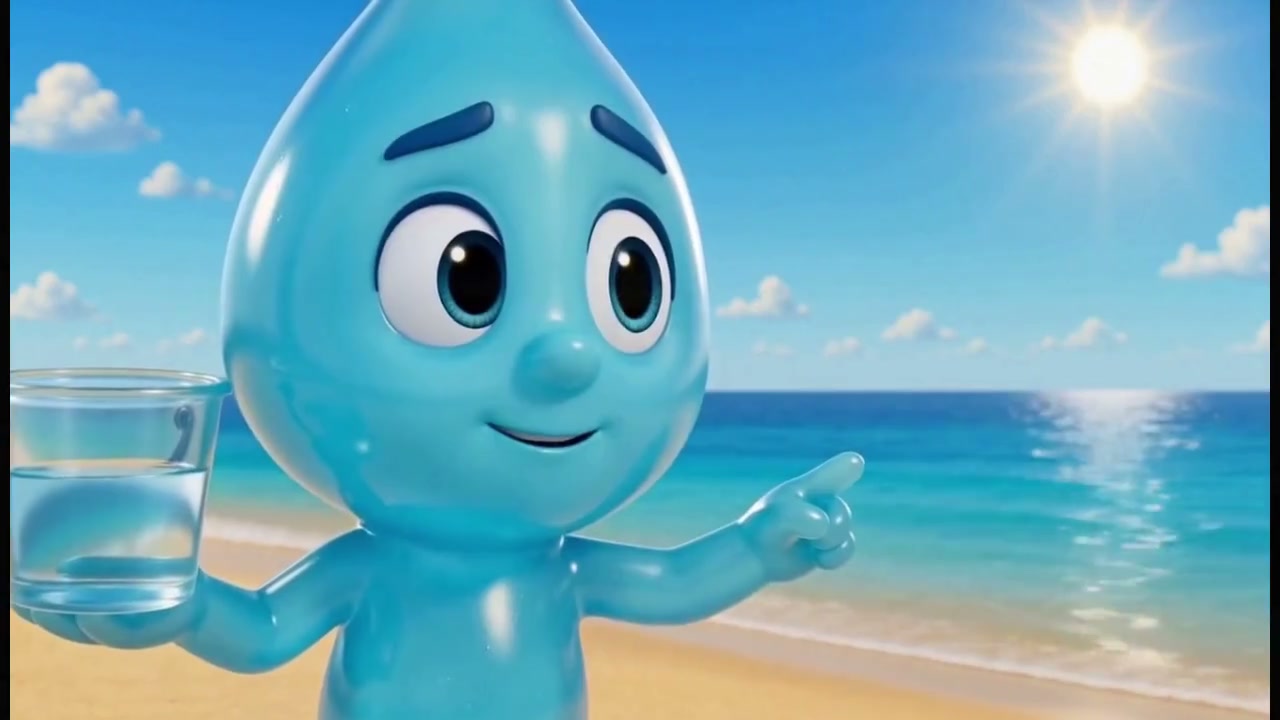
Vixel film example for animation & anime creators

Animation & anime creators

Develop the characters, define their look and shape a scene. Review continuity as your story grows.

Explore animated stories →
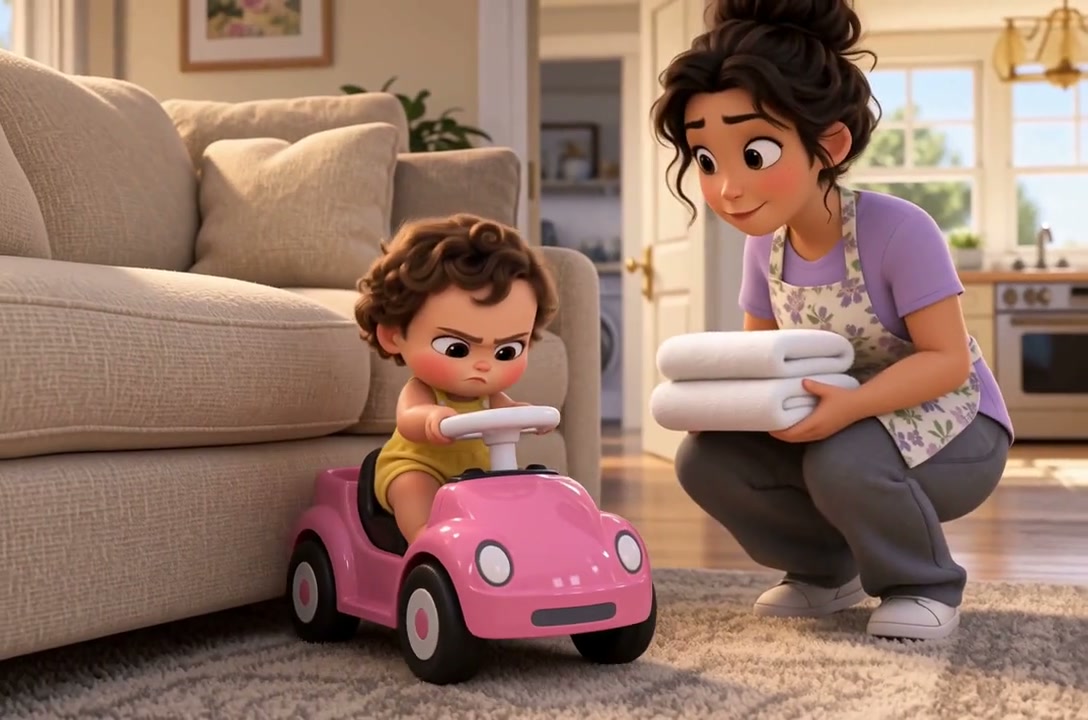
Vixel film example for brands & creative teams

Brands & creative teams

Turn a product insight into a visual concept, a brand film or a pitch your team can discuss.

Explore Vixel for teams →

A little clarity before you create

Frequently asked questions.

What can I make with Vixel?
Make AI short films, animated stories, short dramas and brand films. Develop your story, characters and shots in one workspace. Start with a linear film; interactive choices are optional.
See films made in Vixel →
How do I start if I have never made a film?
Choose a starter idea or describe your own: one character, one place and a short moment. The homepage starters ask for a script to review first. Then work through character images, shots and video one step at a time.
Choose your first idea →
What can I try for free, and when do I pay?
New accounts receive 150 credits once, with up to 50 more earned by completing first-production milestones. Milestone rewards arrive after completion, not upfront. Image and video generation uses credits; paid memberships unlock additional features and do not include unlimited generation. Check the current plans and the cost shown before generating.
View plans and credit limits →
Can I use my own script, images or references?
Yes. Start with your premise or script and bring reference material you own or have permission to use. Explain what should stay consistent, then review the story and character looks before generating your shots.
Turn a script into shots →
Can I create animated stories for different audiences?
Yes. Create a character-led comedy, a family adventure or a bedtime story. Describe your audience, visual style and tone, then review the script and shots as you go. For stories intended for children, specify the age range and review the finished film before sharing.
Start an animated story →
How do I keep characters consistent or fix a shot?
Establish the character's appearance with reference images, then compare each new shot with those references. If a shot looks wrong, revise that shot before continuing. AI output can need retries, and new image or video generation uses credits.
Keep characters consistent →
Were the example films really made with Vixel?
Yes. The featured films are Vixel team examples. Each case includes a finished film and creative notes, plus a separate practice idea you can adapt. That practice idea is not the original production prompt or a promise of the same result.
Watch a complete example →
Can I use the films I create commercially?
Vixel's Terms allow internal or commercial use of generated outputs, subject to the Terms and any applicable plan restrictions. Use source material you have rights to and review outputs before publishing. This permission is not a promise of exclusive ownership or clearance of third-party rights.
Read the Terms of Service →

Looking for the official app? Use Vixel AI in your browser and check App Store availability. Looking for our earlier roleplay experience? Visit the Worlds archive.

Your next story starts here

Give your idea
a first scene.

Start small. Shape the story. Make it yours.

Open Vixel Creator

Sign up & get up to 200 bonus credits. See plans and credits.