Explore freely. Sign in to create. Generation uses credits. See plans.
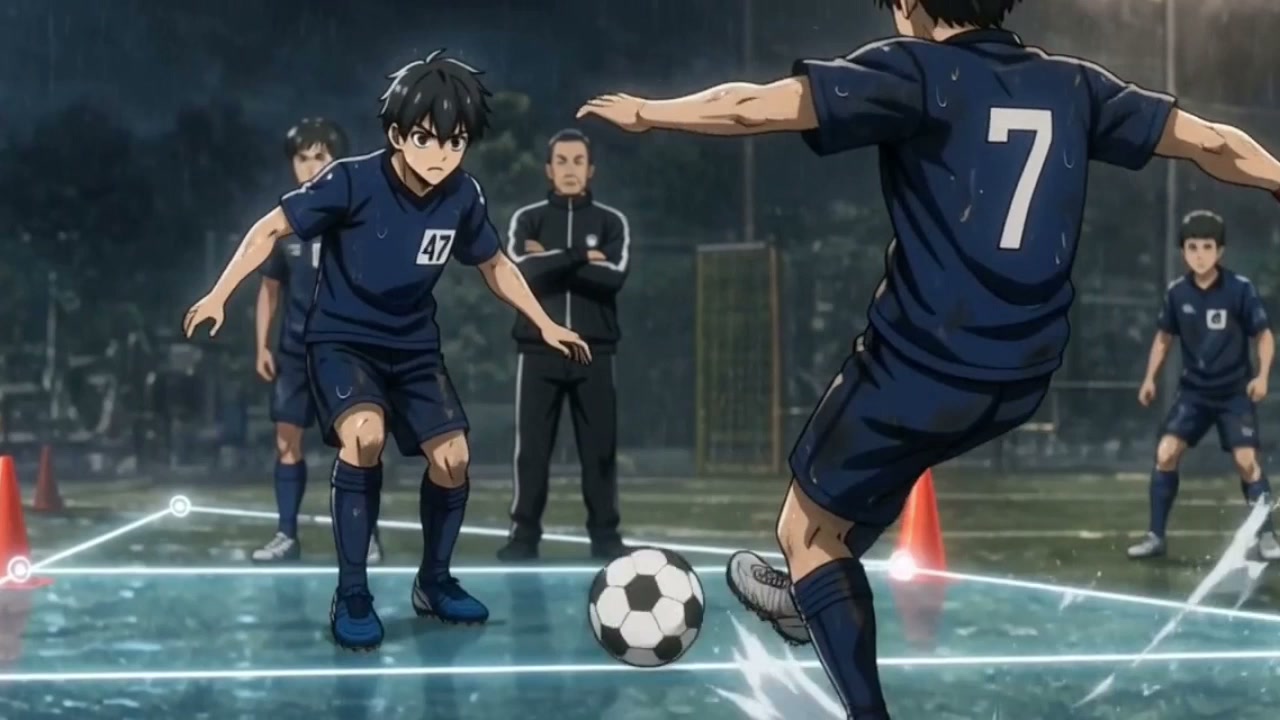
Watch the film ↗Number 47 uses a recognizable silhouette and blue kit across changing scenes. Study the finished film, then create an original character of your own.
From idea to a considered result
How to get started
01
Describe the visible details
Name your subject, framing, setting, light and style. For a character, specify the silhouette, clothing and a few distinctive details. Keep the first image simple enough to judge.
02
Choose a direction
Open the image workspace and adapt a prompt below. Review the available model, aspect ratio and credit estimate before generating. Add your own reference in the tool when the selected workflow supports it.
03
Keep what should stay consistent
Compare face, clothing, palette and layout before developing another shot. Reuse an approved reference where supported, and refine differences before moving into video.
Make it your own
A starting idea. Your direction.
These original practice prompts are separate from the featured film. Open one as an editable draft and adapt it in the workspace.
Create a character reference image of an original young adult courier in a moss-green jacket, short curly hair and a small orange shoulder bag. Neutral pose, full body, plain light-gray background, soft studio lighting, expressive stylized animation look. No text or logos.
A small rooftop greenhouse at sunrise, rain droplets on glass, terracotta pots along a narrow path, a wooden workbench on the left. Wide establishing composition, soft warm light through cool morning mist, cinematic illustration, no people or text.
A matte cream ceramic desk lamp on a walnut table in a quiet evening interior. The lamp casts a warm oval of light on an open notebook. Restrained editorial composition, believable materials, close three-quarter view, no brand logo or text.
Are the face, hands, props and intended text correct?
Will this composition leave room for the action in the next shot?
A little clarity before you create
Frequently asked questions.
Can I browse the examples without signing in?
Yes. These examples and the linked guides are public. Open a prompt in the workspace to adapt it; sign in when required to generate or save your work.
Will one prompt keep a character identical in every image?
A prompt alone does not guarantee identity. Use consistent descriptions and supported reference-image controls, then inspect each result. Our character guide explains what to compare between shots.
Are these sample prompts how the featured film was made?
They are separate original practice prompts. The film provides a visual reference; the prompts do not reproduce its production history or promise the same result.