
Vixel guides
How to keep AI characters consistent across shots
The next shot should still look like your character. Choose a clear reference, keep a few recognizable details and compare each new angle before making the whole sequence.
By Vixel team · Updated
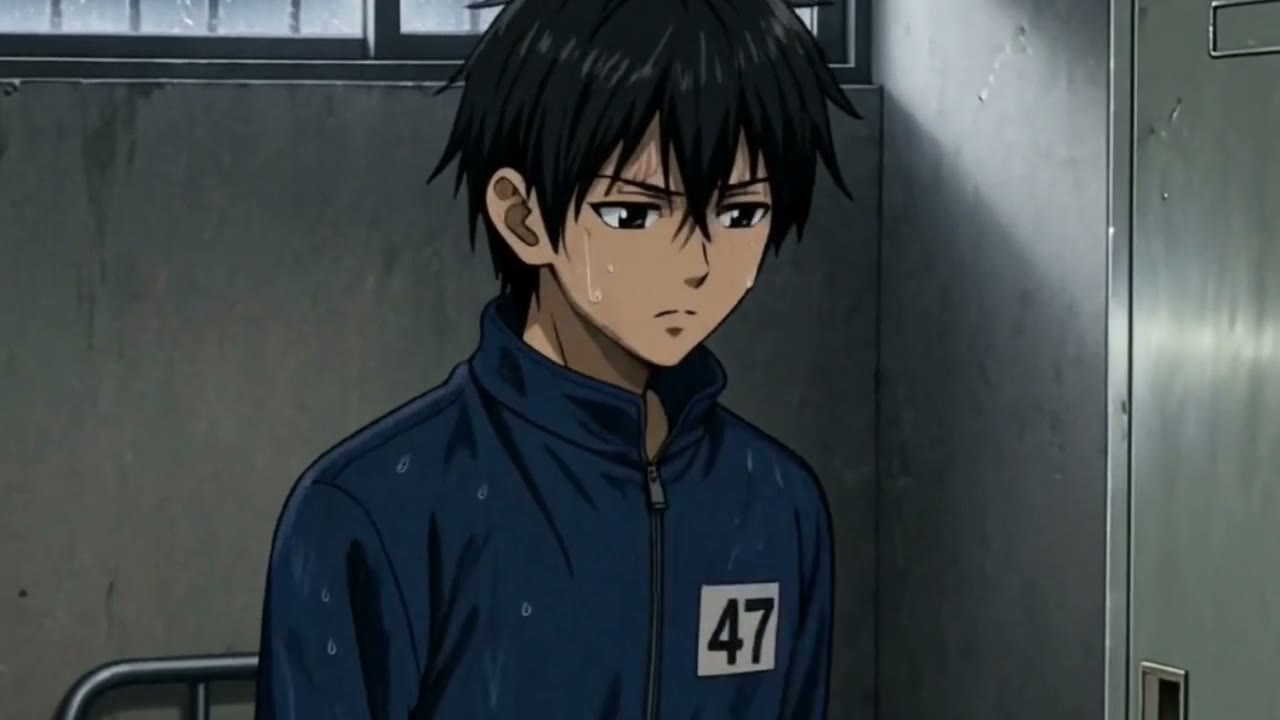
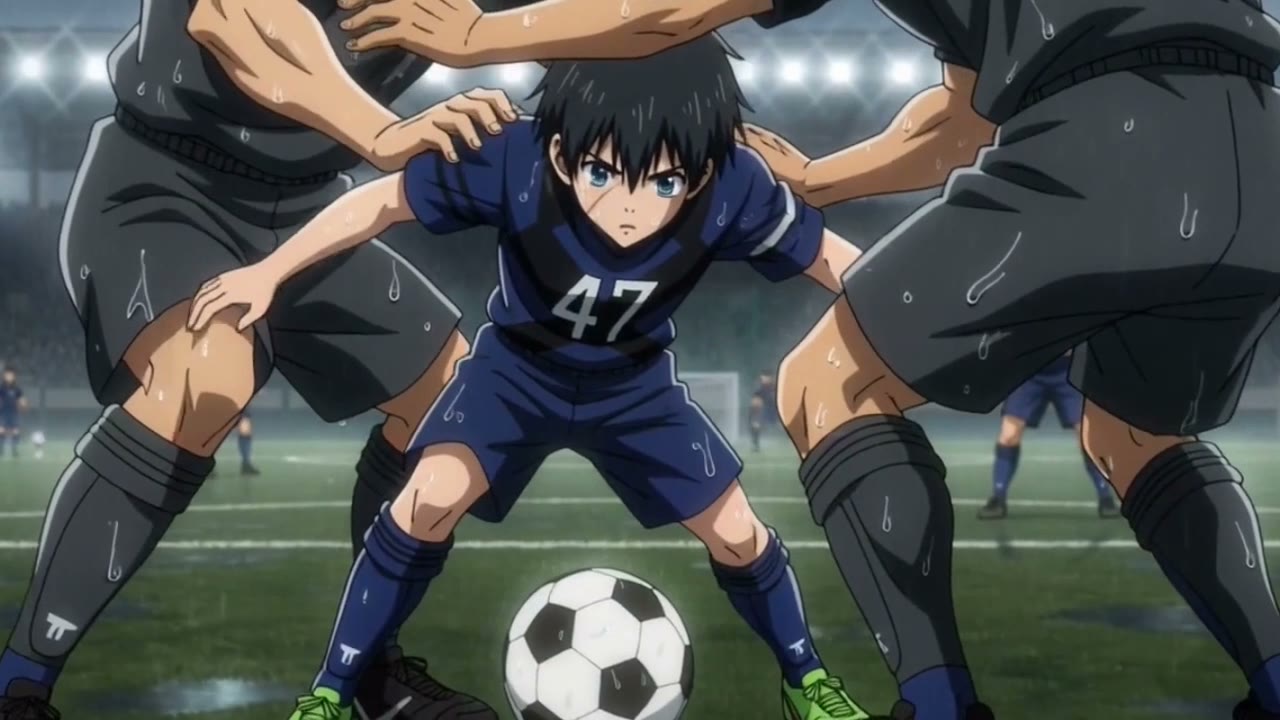
Follow Number 47 from the quieter scenes to the pitch. His hair, blue kit and shirt number give us details to recognize. The green goalkeeper below is a separate character exercise.
Let’s make: A recognizable character across different angles, actions and locations.
01
Why does the same AI character change between shots?
Put the new shot beside your accepted character reference. What actually changed? A different expression or lighting angle may be intentional. A new face shape, missing shirt number or wrong jacket color is a more useful correction to name.
Tell Director the detail you want back and the parts you want to keep. For a moving shot, watch the whole clip: the opening image can look right while a hand, prop or face changes later.
- Keep the accepted reference beside the shot you are reviewing.
- Record the mismatch in observable terms: wrong jacket color, missing number or changing face shape.
- Request one correction while preserving the accepted action and framing.
- Review the replacement and its neighboring shots before producing more video.
02
Decide what makes the character recognizable
Start with a few distinctive traits: age range, face and hair silhouette, outfit, color and an important accessory. Separate traits that stay the same from things the story intentionally changes, such as wet clothing or a new location.
Avoid burying identity in a long list of adjectives. A concise description and a clear reference image are easier to check than many competing details.
03
Review a reference before making the sequence
Meet Pip from our bedtime story. We made these views in Vixel using his story image for the front, then both images for the side. Compare his muzzle, ears and pajamas.
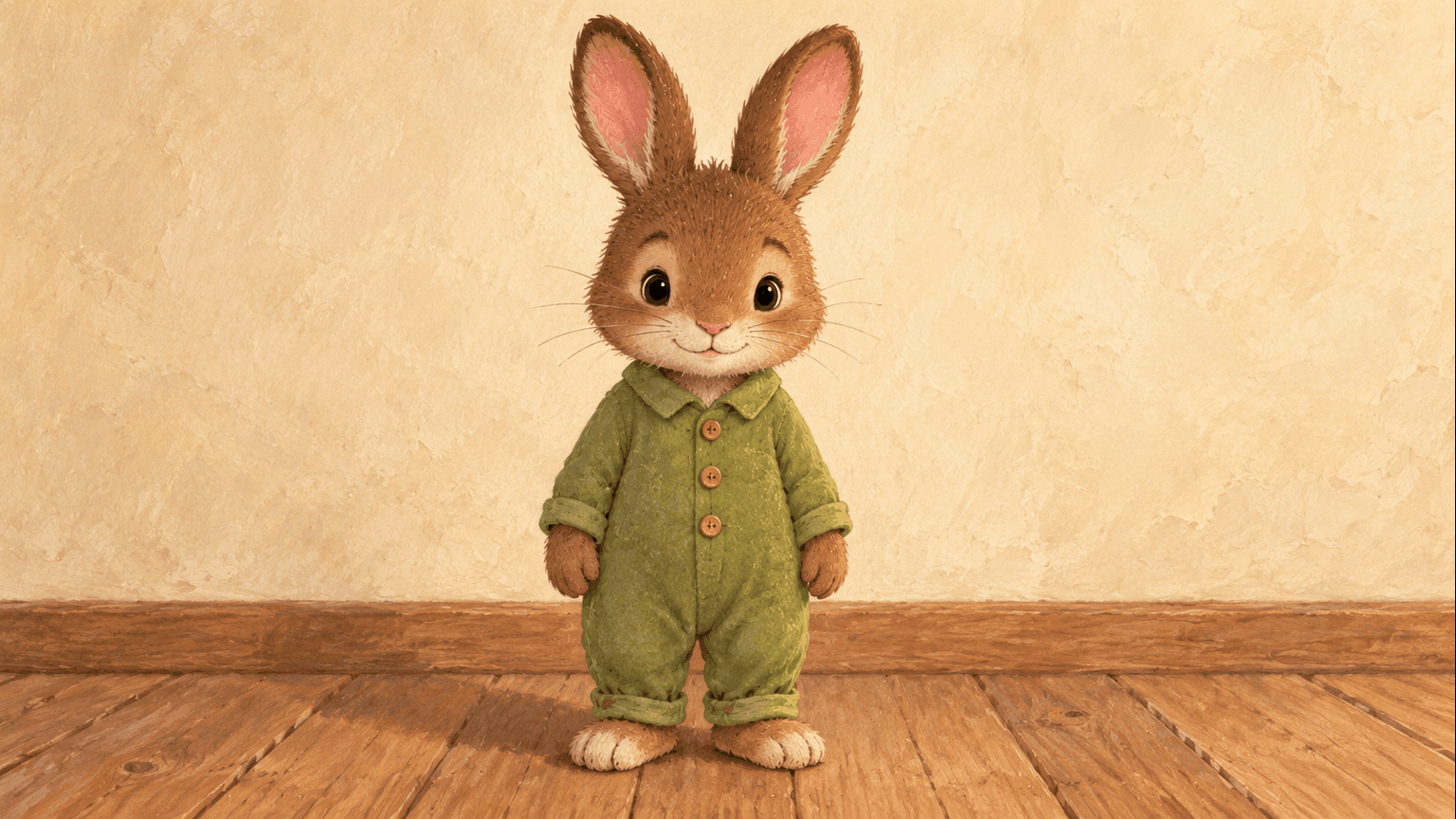
Front: compare the cream muzzle, rounded head, long ears and pajama collar before carrying this look into a scene. 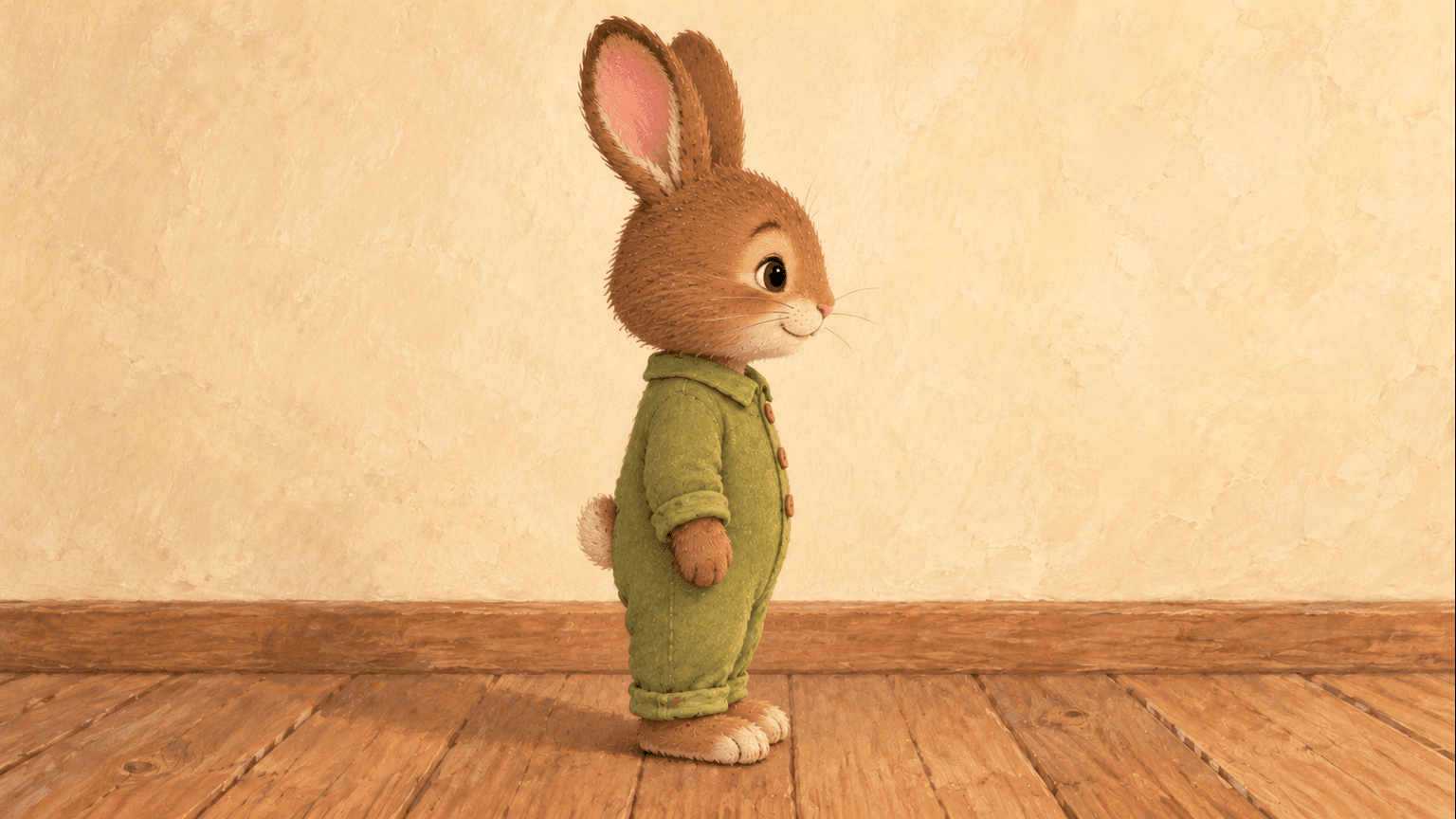
Side: the silhouette changes with the camera. The fur colors, ear shape and outfit should still feel like Pip.
Before you continue: Accept the new angle only if it still feels like the same character. Use your own images or references you have permission to use.
04
Compare the images before moving to video
Check each scene image against the character reference and the neighboring shots. A face can match while the outfit, age or prop changes. Review the whole character, not only the face.
- Check face shape, hair and apparent age.
- Check clothing, identifying colors, numbers and accessories.
- Check the position and state of any object carried into the next shot.
- Confirm intentional changes, such as a different coat, are actually part of the story.
05
Change the shot that drifted
Point to the shot and name the mismatch: “Keep this face and green jersey; make the gloves orange again.” Leave the accepted action, framing and other shots in place. If you change the character reference itself, check the later shots against the new look too.
Watch the replacement beside its neighbors. You’re looking for the same person moving through the story, with the intentional changes the scene calls for.
Questions you might have
- Is repeating the same prompt enough to keep an AI character consistent?
- It is a useful starting point, but not a guarantee. Keep an accepted reference image beside the result and name the details you need to preserve. Compare the new shot before moving on.
- How many character reference images do I need?
- Start with one clear image. Add a side or three-quarter view when your planned shots need it. More references help only when they agree on the same face, proportions and outfit.
Who is your story about?
Try the goalkeeper brief, or bring your own original character. Start with a short scene and a few recognizable traits, then review the reference before making the sequence.
Develop a character-led scenePaid media uses credits. Check current plans.
Written by the Vixel team. About our guides and examples. If a step needs correcting, let us know.
Start with the task in front of you
Develop a character or a visual direction before producing your shots.
Plan a single action and refine it in the video workspace.