AI YouTube Shorts generatorTurn one idea into a Short worth rewatching.
A Short has about two seconds to earn the next ten. Start with a hook, keep one character recognizable and let Director plan a vertical story before anything is generated.
Explore freely. Sign in to create. Generation uses credits. See plans.
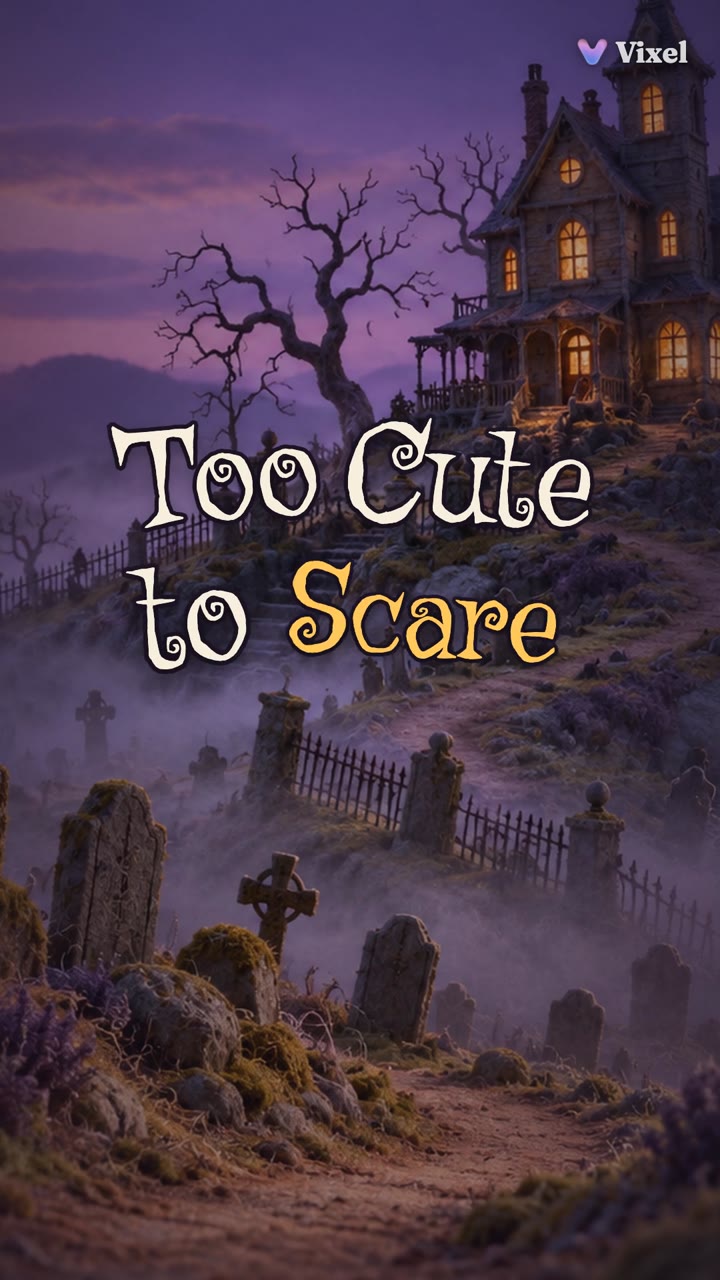
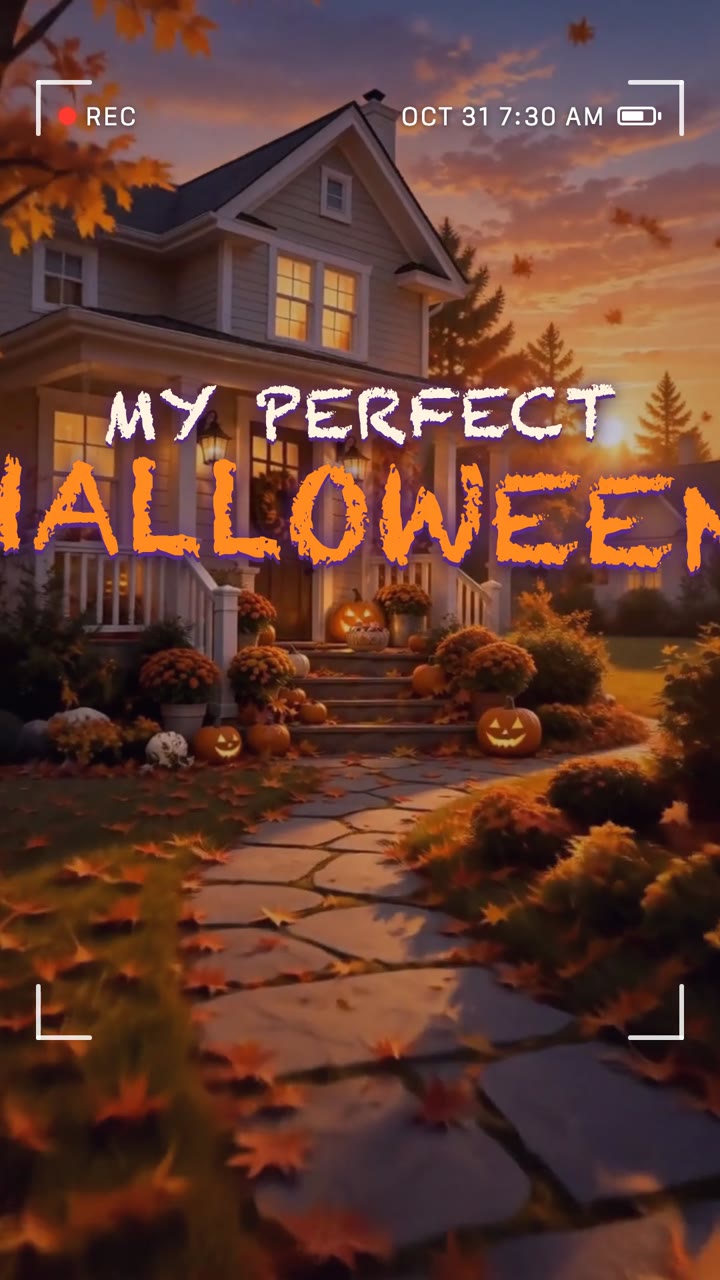
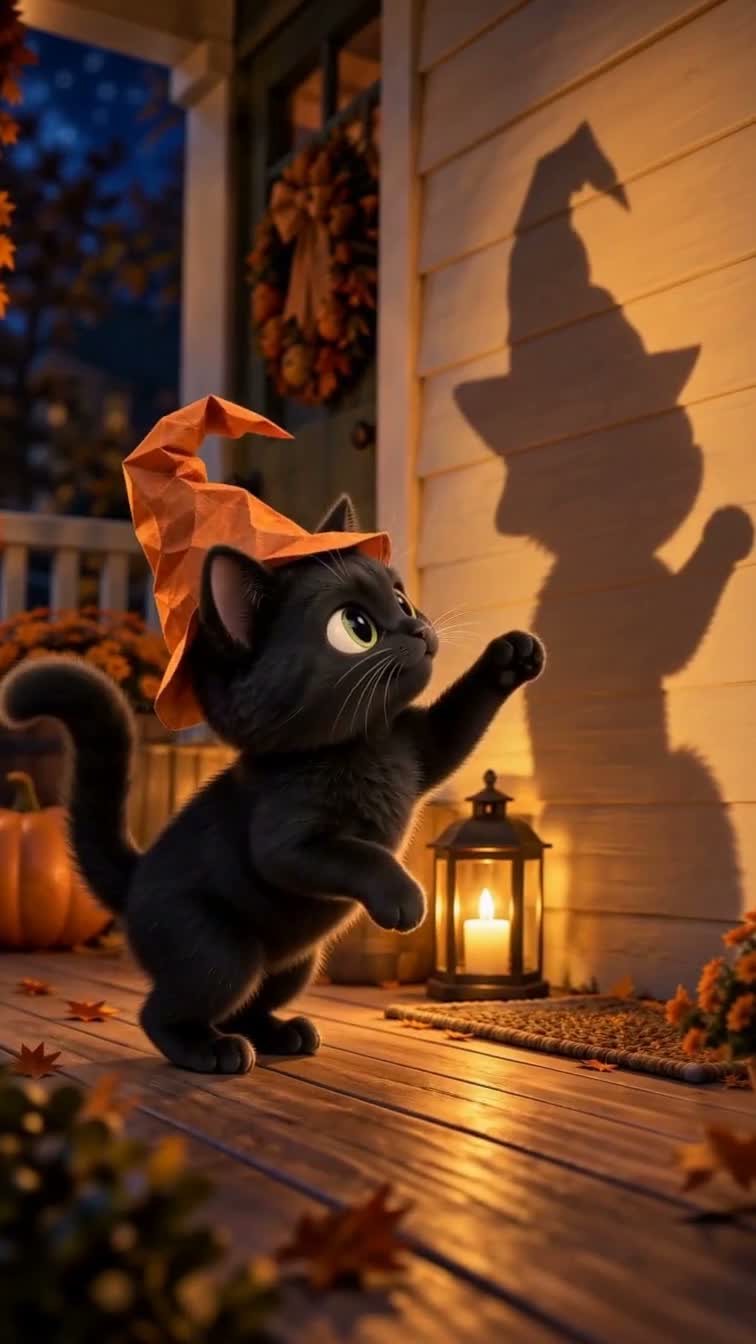
Watch the film ↗Too Cute to Scare is a 76-second 9:16 short made by the Vixel team. Nine shots, a title card and an end card carry one small character, one problem and a payoff. Watch how each shot reads on a phone screen.
Decide what a viewer sees in the first two seconds: a question, a problem or a surprising image. Then plan three quick beats and a payoff that rewards a second watch.
02
Plan for a phone screen
Open a brief in Director and review the script and shot list for a 9:16 frame. Keep the main action and any captions clear of the edges, and select the vertical format in the generation and export settings.
03
Test the hardest shot, then cut
Generate the shot with the most action first and check it before the rest. Compare your character across shots, assemble the accepted clips and watch the export on a phone before you upload.
Make it your own
A starting idea. Your direction.
These original practice prompts are separate from the featured film. Open one as an editable draft and adapt it in the workspace.
Plan an original 30-second vertical 9:16 YouTube Short for a recurring character series. The lead is a small, serious orange cat who believes it guards the kitchen. Open with a hook in the first two seconds, use three quick beats and end on a visual punchline that sets up the next episode. Keep the cat’s look identical in every shot. Start with a script and shot list for my review; do not generate images or video yet.
Plan a 40-second vertical 9:16 animated YouTube Short that answers one question for curious kids and their parents: why does the moon change shape? Put the question on screen in the first two seconds, show three simple visual steps and end with one surprising detail. Use a friendly stylized 3D look and mark every fact I should verify. Start with a script for my review.
Plan a 24-second vertical 9:16 comedy Short starring my dog, whose photo I will upload. Keep its fur, markings and collar the same in every shot. Use one location, one funny problem and a payoff the viewer sees coming a second too late. Start with the story and shot plan for my review before any generation.
Does the first second make sense with the sound off?
Does your character look the same in every shot?
Is the payoff fully visible in the vertical frame and clear of captions?
On iPhone
Create on your iPhone
VixelAI: AI Video Creator is our iPhone app. Develop the story with Director, create images and video, and keep the project together. Free on the App Store for iPhone (iOS 16.4 or later), with no in-app purchases listed. An account is required for creation. Creation uses cloud AI services and credits; some features require a paid plan.
Yes, as a guided workflow. Director turns your idea into a script and a shot plan for a vertical 9:16 frame. You review the plan, generate the shots and assemble the cut. It is not a one-click finished video, and generation uses credits.
How long should a Short be?
YouTube currently accepts square or vertical Shorts up to three minutes. For a first Short, plan 20–40 seconds: one hook, three beats and a payoff are easier to make and keep tight. Check YouTube’s current guidance before you upload.
Can my pet or my own character star in it?
Yes. Upload clear photos where the workflow supports reference images, describe the details that must stay the same and compare them in every shot. Only use images you have the right to use, and never photos of a real child.
Do I need Director, or just the video tool?
Use Director for a Short with a story: several shots, one character and a payoff. Use the video tool when you need a single clip, and choose the vertical 9:16 format in the tool before you generate.
Is Vixel the same as Vixal?
No. Vixel AI at vixelai.com is not affiliated with Vixal at vixal.app, a separate AI video product, or with any Telegram bot using a similar name.