
Vixel guides
Make your first AI short film
You don’t need a whole universe to make your first film. A toy car, a small delivery and someone to share the moment with can be plenty. Watch Bella’s story, then try a little idea of your own.
By Vixel team · Updated
Your idea is filled in. Edit it, then ask for a script.
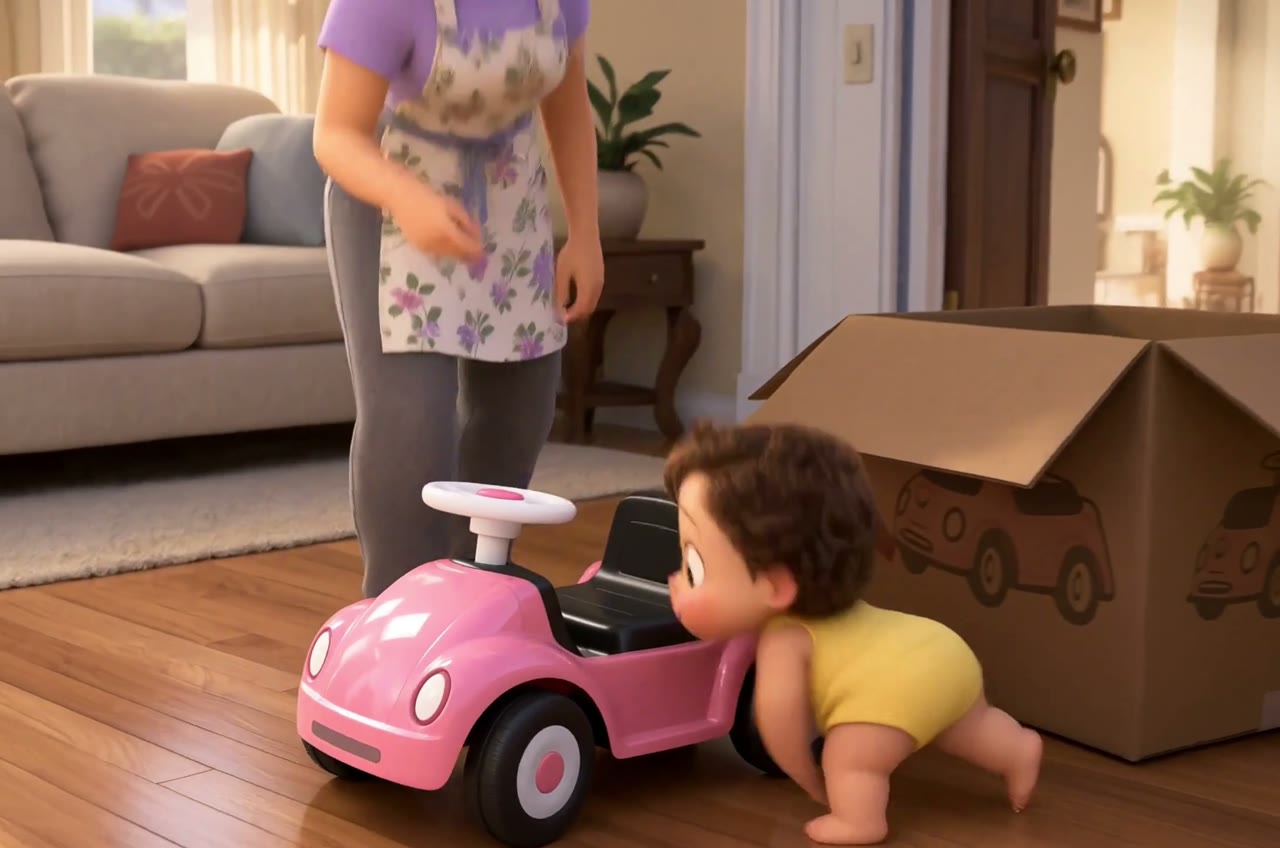
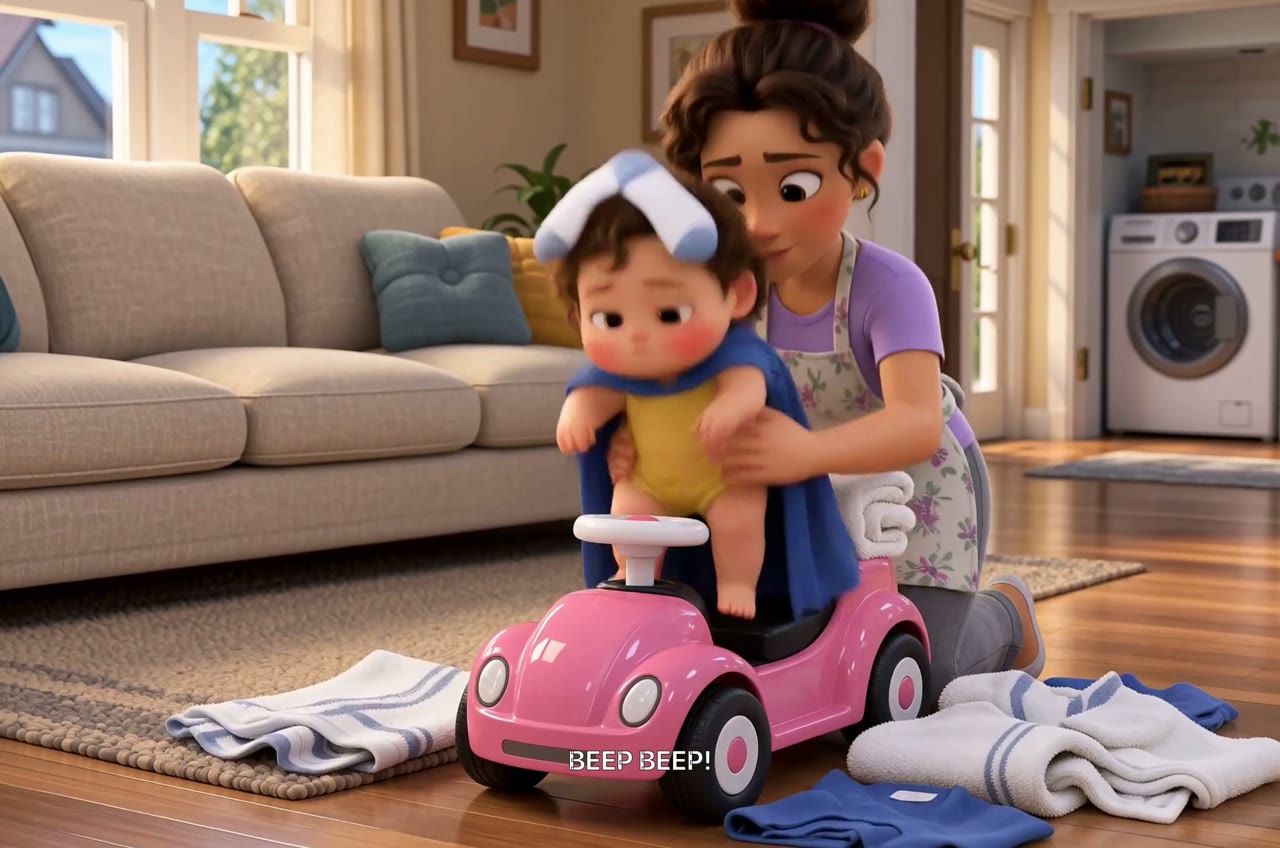
Bella’s delivery game becomes a 56-second family comedy. Notice the pink car and the familiar room. Below, we’ll borrow that small-story approach for a separate robot-and-plant exercise.
Let’s make: A small, clear story and a step-by-step path to your first video sequence.
01
Choose one moment you can finish
Think of a moment you can describe to a friend: a delivery that goes wrong, a robot trying to help, someone finding a lost thing. One character and one place are enough. Aim for roughly 30–60 seconds while you learn the process.
What changes by the end? In our practice story, a robot spills its water, then discovers it has helped a seedling. That small turn gives us a beginning, a problem and a reason to smile.
02
Review the story before producing images
Open Creator with your brief and ask for a screenplay first. Read it for the action you intended, the cast, the setting and the ending. Change those now if they are wrong; polishing an image will not fix a story that has gone in the wrong direction.
- Name the intended format and duration, such as a 40-second animated short.
- Say what should remain fixed: the main character, setting, tone or supplied script.
- Ask for a script for review before moving into visual production.
03
Establish the look, then make the shots
Choose the character and setting you want to keep. Look at their reference images before building the scene: does this feel like your robot, your balcony, your story? It is easier to settle the look here than halfway through the film.
Try planning four to six shots. Give a stumble room to happen and a discovery a moment to register. Review each shot image, then test one video before carrying the approach into the rest.
04
Watch the sequence as a viewer
Watch the end of one clip followed by the start of the next. Look for a hand changing position, a prop disappearing, a character facing the wrong way or an abrupt change in sound. Revise the specific shot that breaks the sequence.
Paid image and video generation uses credits. Check your current plan, balance and the cost shown before production. Check the export options in your workspace when you are ready to share your film.
Ready to meet your robot?
The balcony story is filled in for you. Change the character, setting or ending, then ask Director for a script. You can make the film feel like yours from the first sentence.
Start with this practice briefPaid media uses credits. Check current plans.
Written by the Vixel team. About our guides and examples. If a step needs correcting, let us know.
Start with the task in front of you
Find a character, shape the ending and develop a story draft with Director.
Plan a single action and refine it in the video workspace.
Develop a character or a visual direction before producing your shots.
Turn a product message into a script and shot sequence with Director.