
01
Keep the cast readable in a tall frame
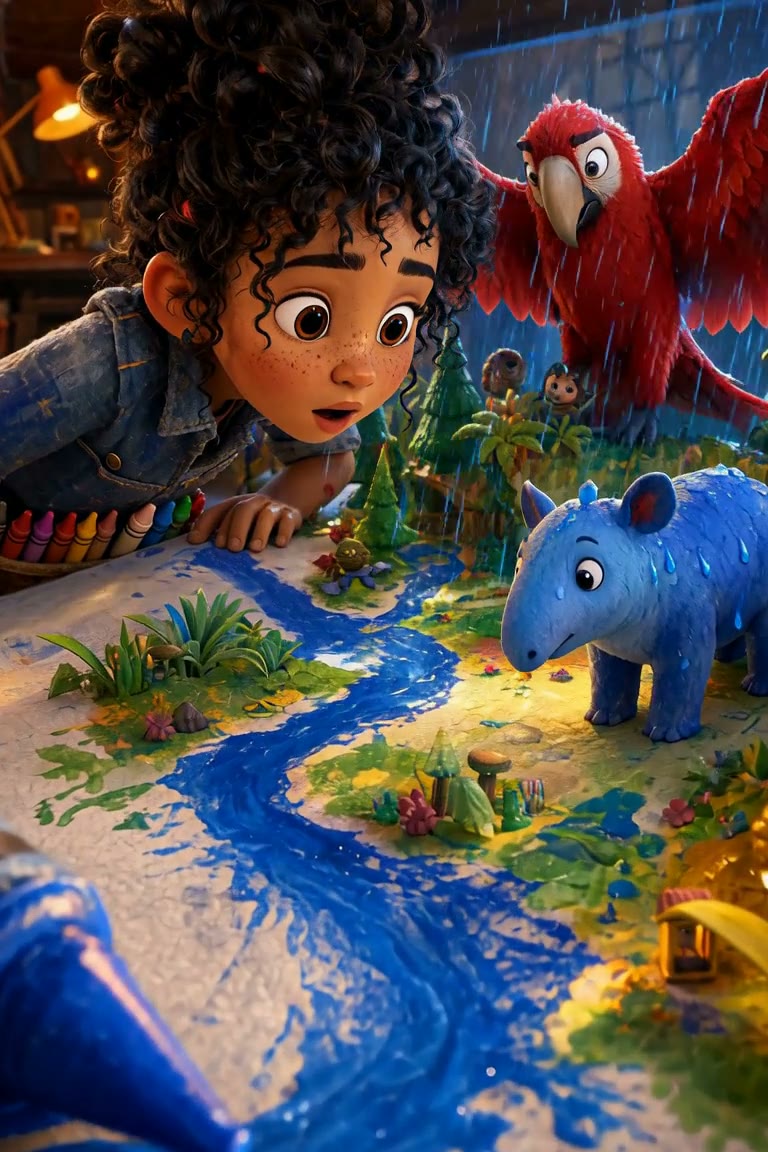
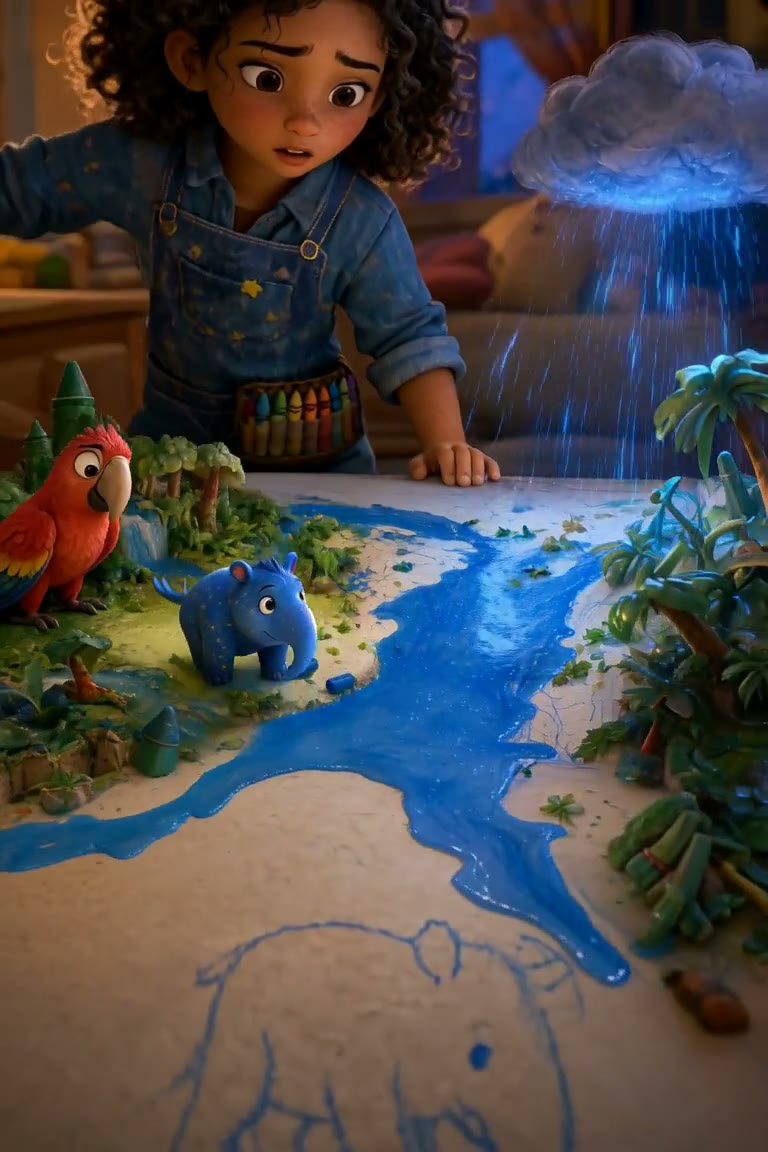
Rue, the blue wax tapir and the red macaw share a small tabletop world. This frame is taken three seconds into the exported film; the recurring colors and materials help identify the cast.
Portrait film · production record · 2:22 · Made by Vixel team
Watch a finished portrait animation and inspect its production record: 14 accepted shots, five replaced candidates and a before-and-after reference cleanup.
Opens an editable idea for a script first. Image and video generation uses credits. View plans.
Rue discovers rain inside a crayon rainforest. Follow one story path: let the rain reveal Blu, draw him back into the forest and end with a path that includes him. A linear film chooses one route through the original interactive story.
Three moments from the finished cut, with creative notes from Vixel.
Rue, the blue wax tapir and the red macaw share a small tabletop world. This frame is taken three seconds into the exported film; the recurring colors and materials help identify the cast.
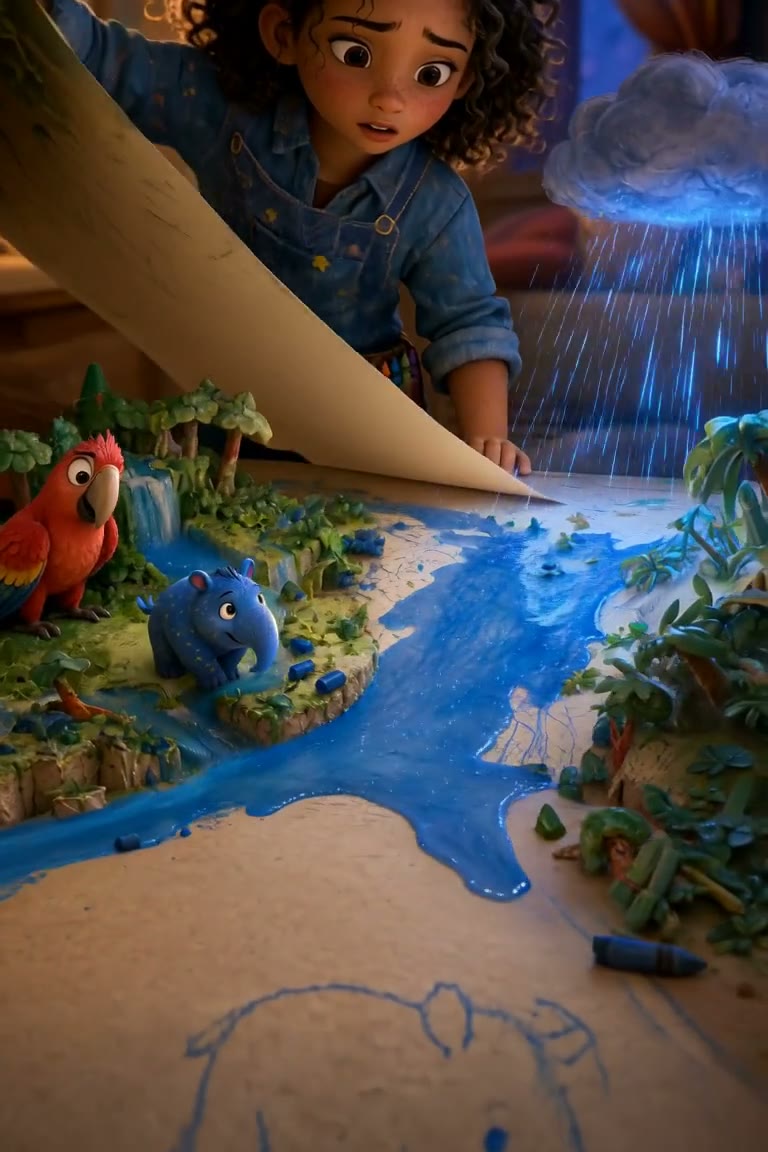
At 65 seconds, Rue holds a sheet over part of the paper world. The sheet, rain and river make the story decision visible. This is a frame from the accepted sequence.
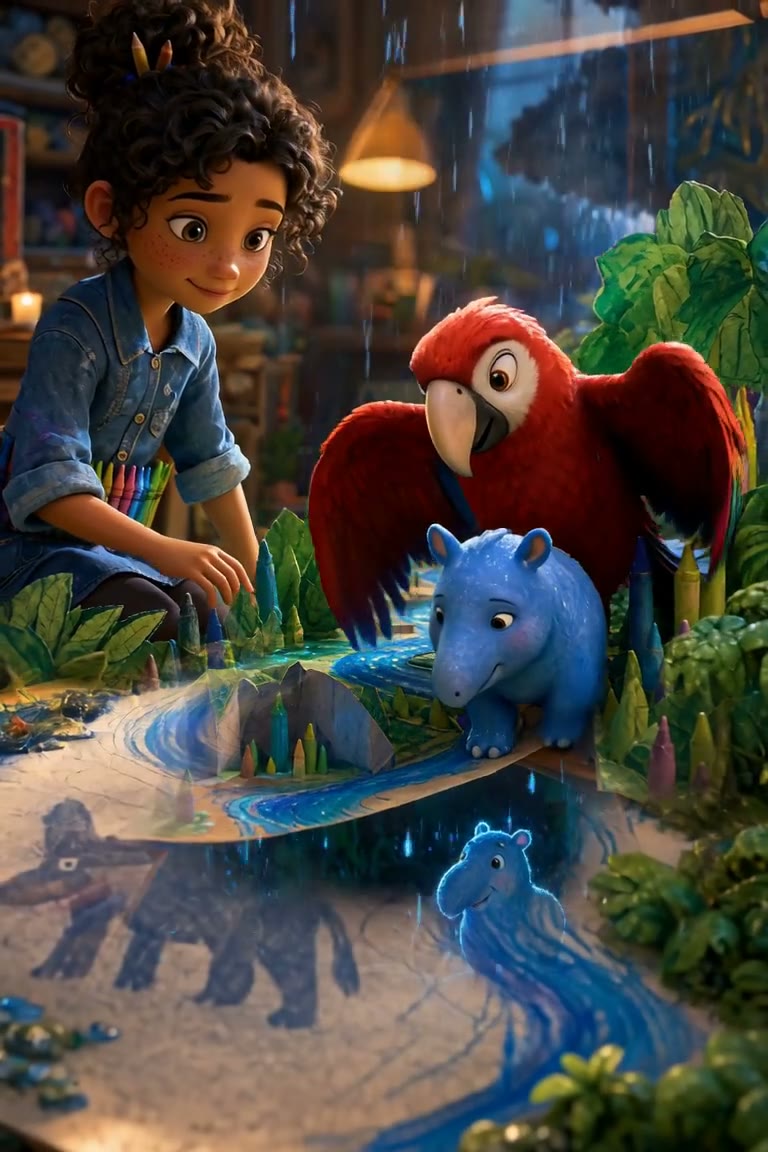
At 135 seconds, the film returns to the cast beside the water. The same blue wax, red feathers and denim connect the ending to the opening.
Behind the finished film
The archived shot manifest identifies each accepted clip and the five earlier candidates it replaces. A fresh inspection of the exported file confirms the dimensions and duration below. These are results from this production, not promised output settings for every project.
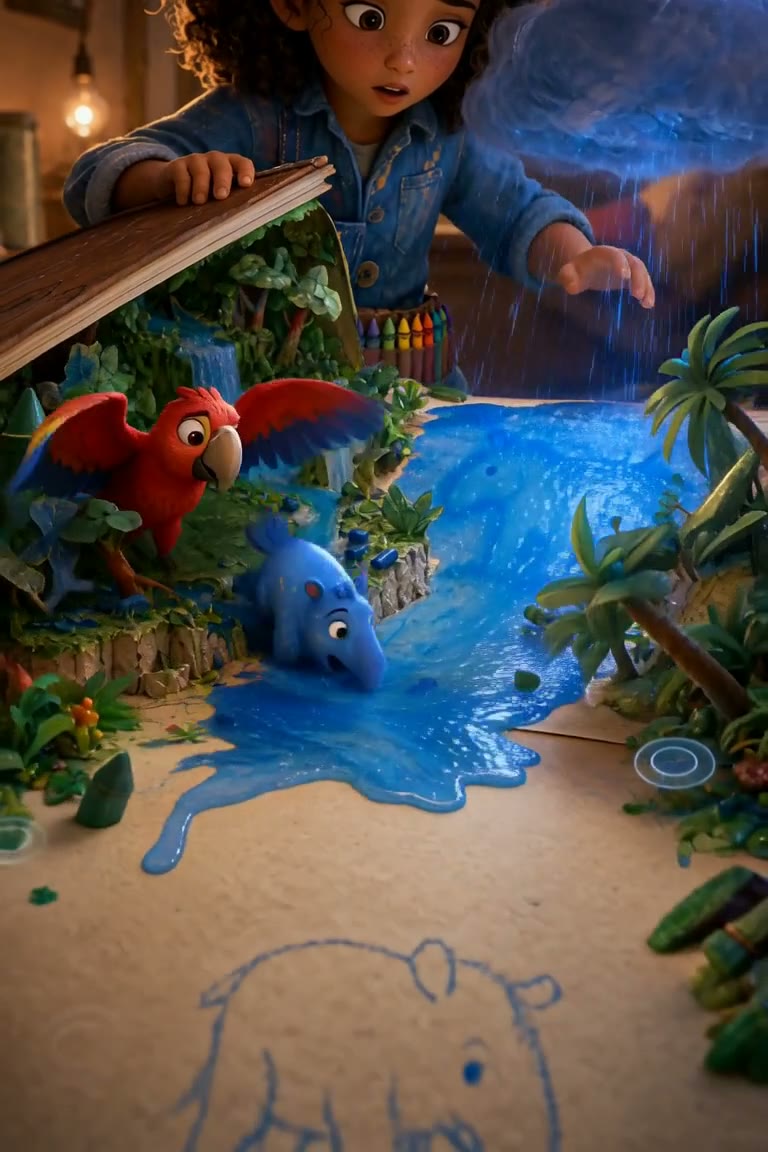
The same planned shot, sampled five seconds into each version. Motion and composition differ between generations. The repair removes the interface ring from the riverbank.
The production selected one ending from the interactive story and planned 14 first-frame/last-frame transitions. The character and world descriptions were shared across the sequence.
Interactive touch rings and choice graphics were present in some source anchors. The rejected motion clips carried those graphics into the scene. The comparison for shot 7 shows a pale ring near the lower-right riverbank.
Six linear-only clean anchors were prepared. The manifest records replacement renders for shots 4–8 under new IDs, preserving the original outputs. Both the affected references and related instructions changed, so this is not a controlled one-variable benchmark.
The accepted clips were assembled in the recorded order, with narration and sound finishing. The archive records a start/middle/end review across all 14 clips. The comparison frames were extracted from the actual rejected and accepted versions at five seconds.
The archive does not establish the total paid cost, end-to-end production time or audience performance. Five rejected candidates do not establish the total number of attempts across every production stage.
Download the recorded 14-shot sequence (CSV) ↓Review the reference images as carefully as the prompt. Interface marks that belong in an interactive scene can become unwanted physical objects when animated. Keep the original candidates, change the affected references and review the replacement in motion.
Open an editable brief inspired by this approach. Make it your own before starting production.
Develop a story like thisFind a character, shape the ending and develop a story draft with Director.
Plan a single action and refine it in the video workspace.
Develop a character or a visual direction before producing your shots.
Turn a product message into a script and shot sequence with Director.