
01
Start with a tangible clue
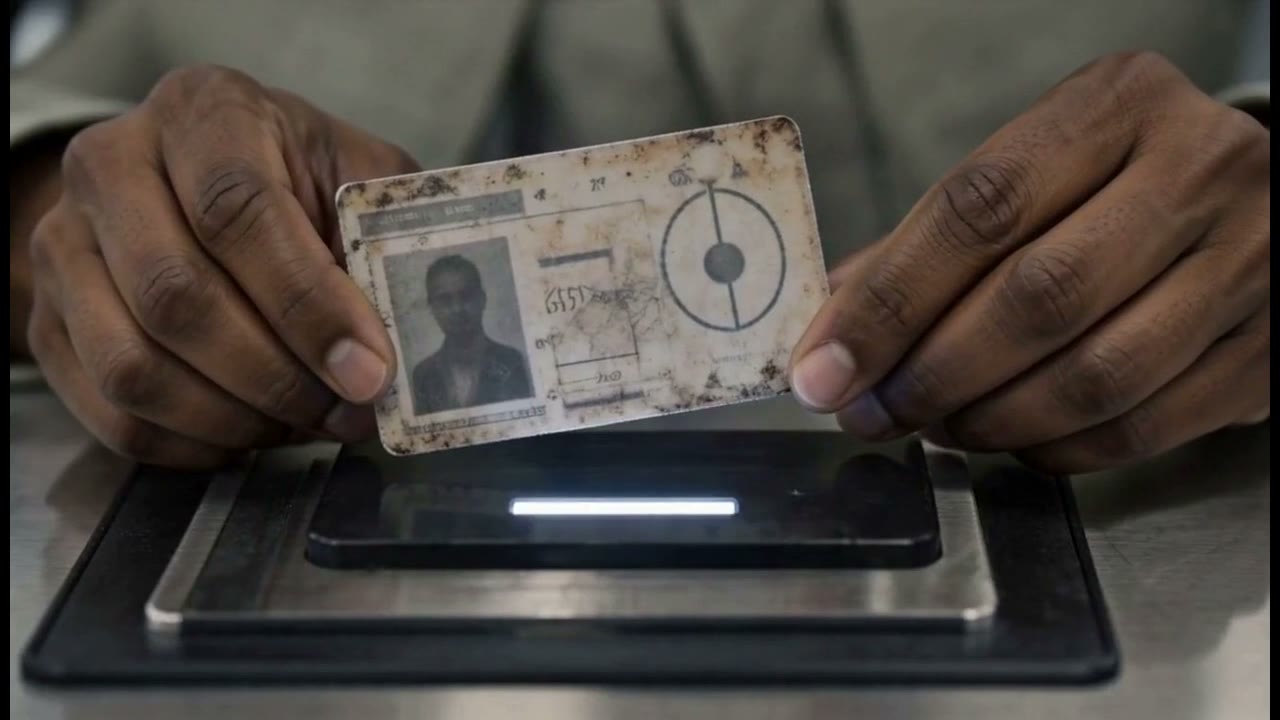
Hands hold a worn document close to the camera. The texture and mark on the paper make a small object worth noticing before the trailer opens out into larger environments.
Cinematic trailer · 1:30 · Made by Vixel team
A cinematic science-fiction trailer made in Vixel, pairing spacecraft and distant landscapes with intimate human details and recurring visual clues.
Opens an editable idea for a script first. Image and video generation uses credits. View plans.
An astronaut. A mother and child. Small objects against an enormous world. The trailer holds these images close enough to invite a connection, leaving the viewer with a question rather than explaining everything at once.
Three moments from the finished cut, with creative notes from Vixel.
Hands hold a worn document close to the camera. The texture and mark on the paper make a small object worth noticing before the trailer opens out into larger environments.
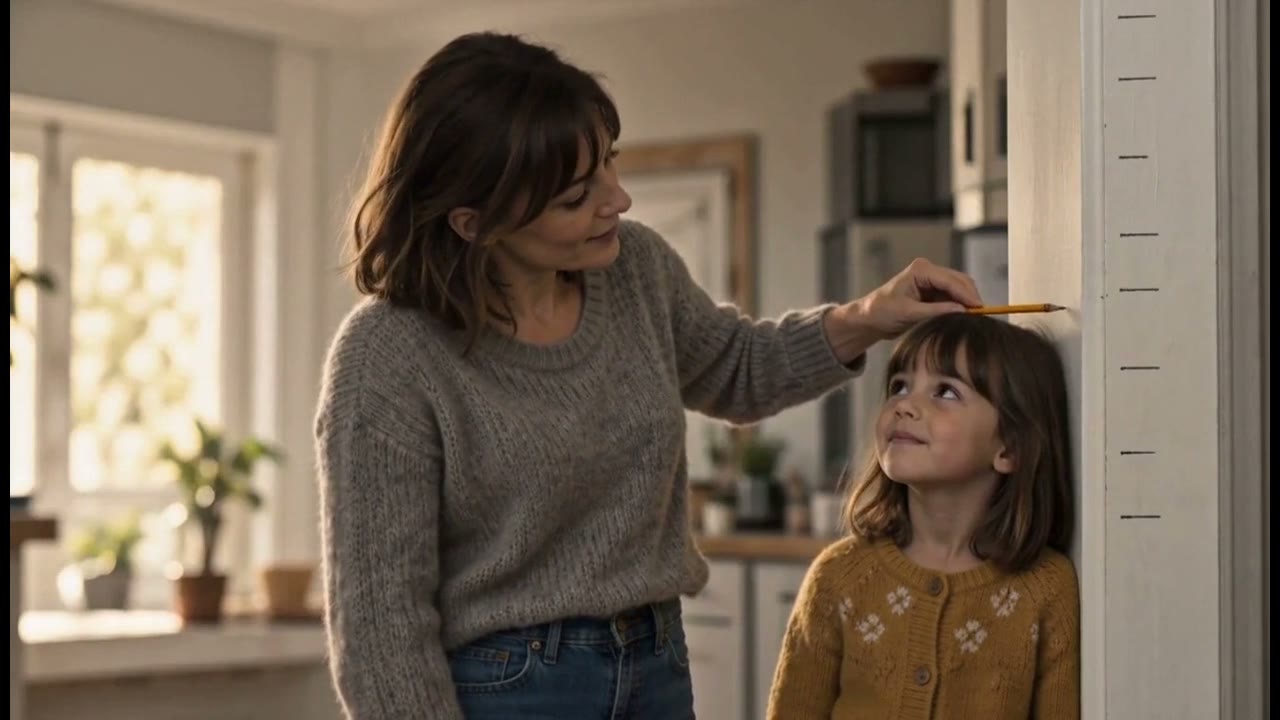
The mother-and-child scene brings the film back to faces and touch. That intimacy contrasts with the spacecraft, astronaut and immense exterior landscapes elsewhere in the trailer.
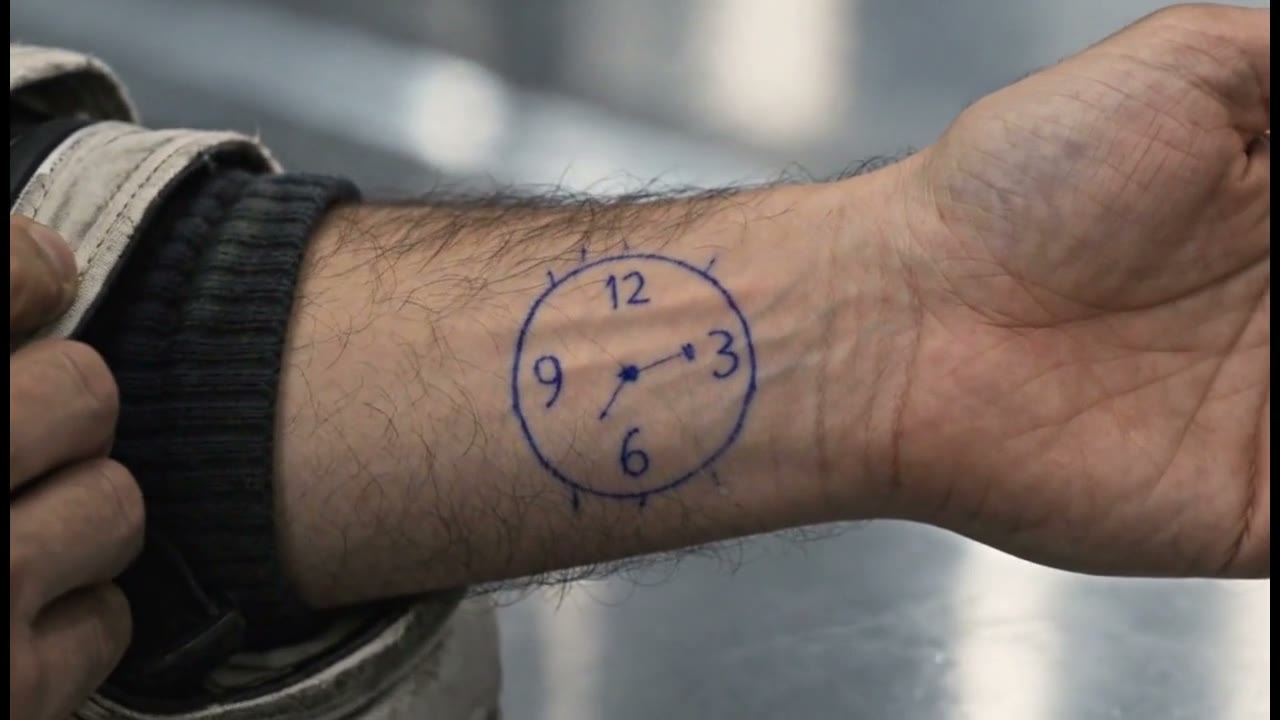
A hand-drawn clock on a wrist becomes another close-up clue. Returning to personal details gives the montage continuity without explaining the entire story.
A trailer does not need to explain every event. Alternate scale with intimacy and repeat a specific visual detail so the audience has a question to carry across the cut.
Open an editable brief inspired by this approach. Make it your own before starting production.
Develop a story like thisFind a character, shape the ending and develop a story draft with Director.
Plan a single action and refine it in the video workspace.
Develop a character or a visual direction before producing your shots.
Turn a product message into a script and shot sequence with Director.