Explore freely. Sign in to create. Generation uses credits. See plans.
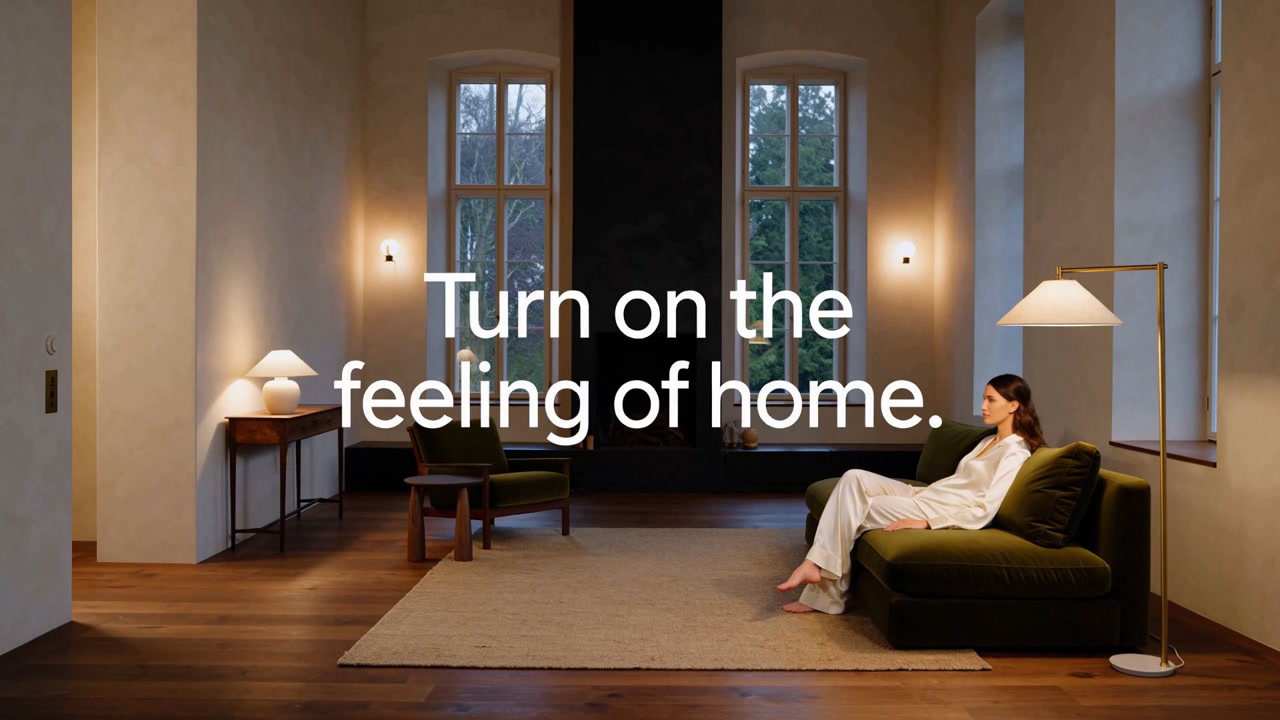
Watch the film ↗Turn on the Feeling of Home is a Vixel brand-film example. Lighting transforms a room’s atmosphere, giving the product story a visible change to build around.
From idea to a considered result
How to get started
01
Write the business brief
Name the product, audience, placement and one message. Separate verified product facts from creative ideas. Collect your own product references so the story can stay close to what you actually sell.
02
Review the script with Director
Adapt a brief below and open Creator. Review the hook, shot order and closing line before generating visuals. For a short commercial, one clear transformation or demonstration is often enough.
03
Check the product in every shot
During visual production, inspect shape, packaging, labels and continuity against your references. Review the complete cut and confirm product claims, asset permissions and the intended publishing format before use.
Make it your own
A starting idea. Your direction.
These original practice prompts are separate from the featured film. Open one as an editable draft and adapt it in the workspace.
Plan an original 20-second brand film for a ceramic desk lamp. Audience: people making a small apartment feel like home. Show one visible change from a cold work corner to a warm reading space. Suggest three shots and one closing line. Do not invent product specifications or customer claims. Start with a script and storyboard for review, not media generation.
Develop a 15-second social video concept for a reusable travel cup. Show the product in one morning routine with a clear opening, a useful detail and a closing product shot. Leave all performance claims as placeholders for me to verify. Provide a script and shot list for review before image or video generation.
Plan a short launch film for an independent neighborhood bakery. Focus on the atmosphere, one signature pastry and the invitation to visit. Propose a warm visual style and a three-shot structure. Use placeholders for the business name, address and opening hours. Start with a script for review.
Can a viewer identify the product and message quickly?
Do the product shape and brand details match your references?
Is every price, claim and call to action accurate for this campaign?
A little clarity before you create
Frequently asked questions.
Is this a finished ad from a single click?
This entry starts a script-first workflow with Director. You review the concept, references and shots as you develop the film. It does not promise an instant finished campaign or automatically generate paid media.
Can a small business use this workflow?
Yes. Start with a short, specific brief and a small number of shots. The brand-film example and practice briefs are useful for product launches, atmosphere-led stories and simple social concepts.
Should I use the video tool instead?
Use the video tool for an individual clip when you already know the shot you want. Use Director when you need help organizing a message into a script and a sequence.