Explore freely. Sign in to create. Generation uses credits. See plans.
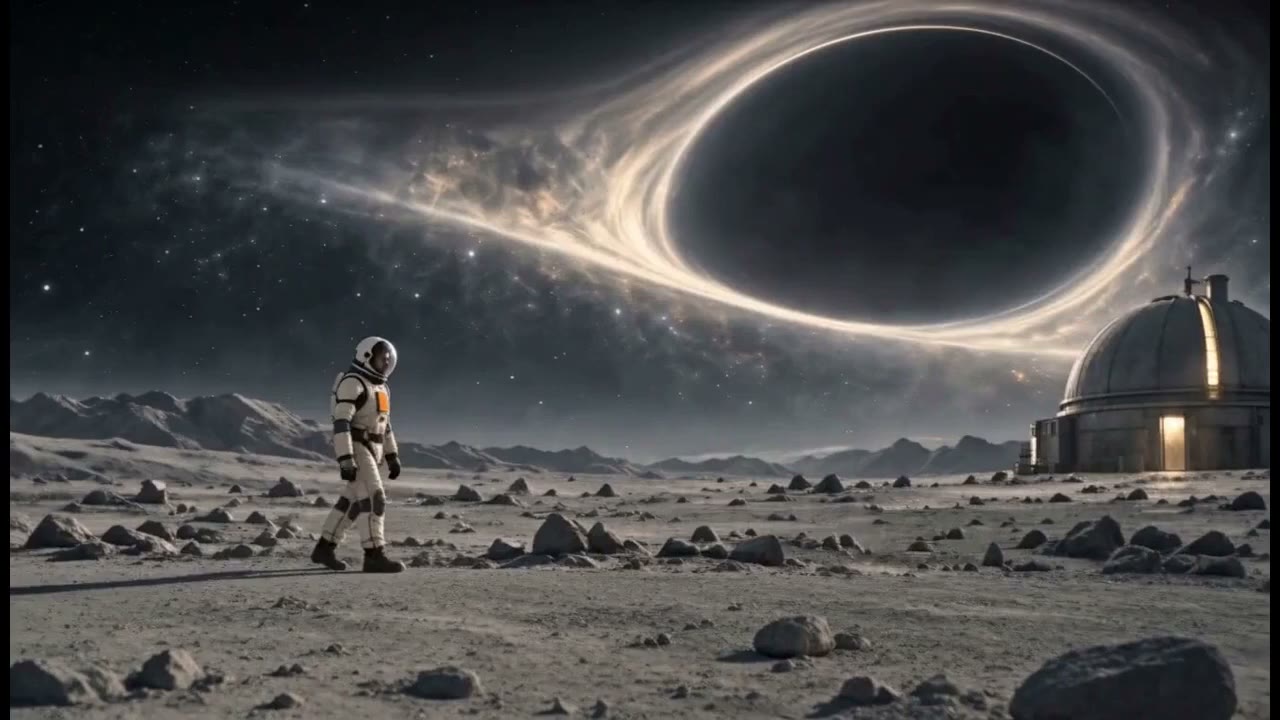
Watch the film ↗No One to Report To alternates large environments with intimate details. Look at how each shot carries a different part of the story before planning your own sequence.
From idea to a considered result
How to get started
01
Choose one action
Describe what changes during the shot. A glance, a slow camera move or drifting steam is easier to evaluate than several locations and actions packed into one request.
02
Set the shot in the video tool
Use the video workspace to choose an available model and supported output settings. Check duration, aspect ratio and the credit estimate there. For image-to-video, provide your reference image in the corresponding tool.
03
Review before adding the next shot
Watch the full clip. Check motion, anatomy, object shape and the final frame. Adjust a specific instruction if the result misses the intended action; use Director when you need to plan a sequence.
Make it your own
A starting idea. Your direction.
These original practice prompts are separate from the featured film. Open one as an editable draft and adapt it in the workspace.
Wide view of a small wooden cabin in a misty forest at dawn. The camera slowly pushes forward while thin mist drifts between the trees. A warm light glows in one window. Restrained cinematic realism, one continuous shot, no cuts or on-screen text.
Medium shot of an original stylized little robot beside a balcony plant. It carefully tilts a small watering can, pauses, then looks at one new leaf. Locked camera, gentle morning light, simple readable action, one continuous shot, no text.
Close-up of a plain ceramic cup on a wooden table. Wisps of steam rise as morning light shifts softly across the surface. A subtle slow camera slide reveals the handle. Calm editorial feel, consistent cup shape, no logo, no cuts.
Does the action make sense without an explanation?
Do faces, hands and props remain stable through the clip?
Does the end frame give the next shot a natural starting point?
A little clarity before you create
Frequently asked questions.
Is this for a single clip or a whole film?
The video tool is the direct entry for a shot. For a multi-shot film, start with Director and review the story and shot plan before producing the sequence.
Does opening an example generate a paid video?
No. It opens the example as a draft in the video workspace. Review the prompt, supported settings and cost, then decide whether to generate.
Which length and format should I use?
Choose a supported duration in the tool and match the aspect ratio to where you plan to share. Keep each shot focused, and check the destination platform’s current requirements before publishing.