
Vixel guides
Script to storyboard: plan your AI short film
A script tells the story. A storyboard shows what we see, one shot at a time. Follow a short scene breakdown, then compare three illustrated frames before trying your own.
By Vixel team · Updated
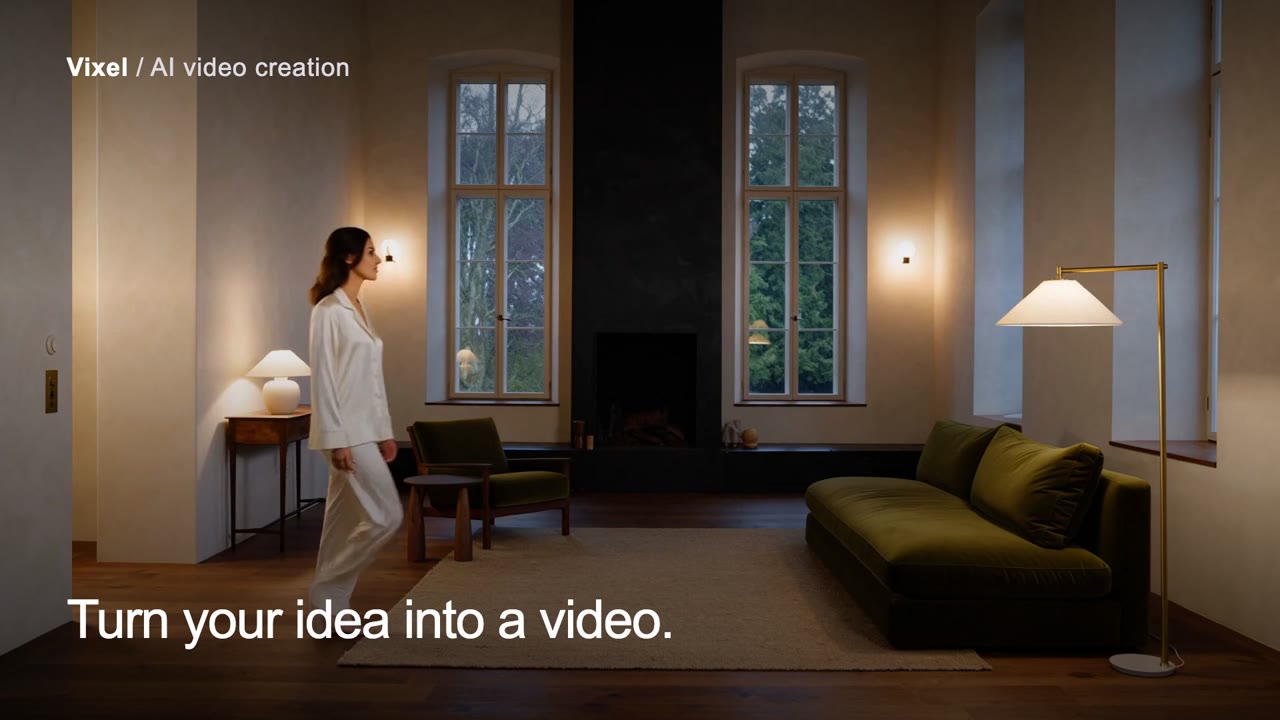
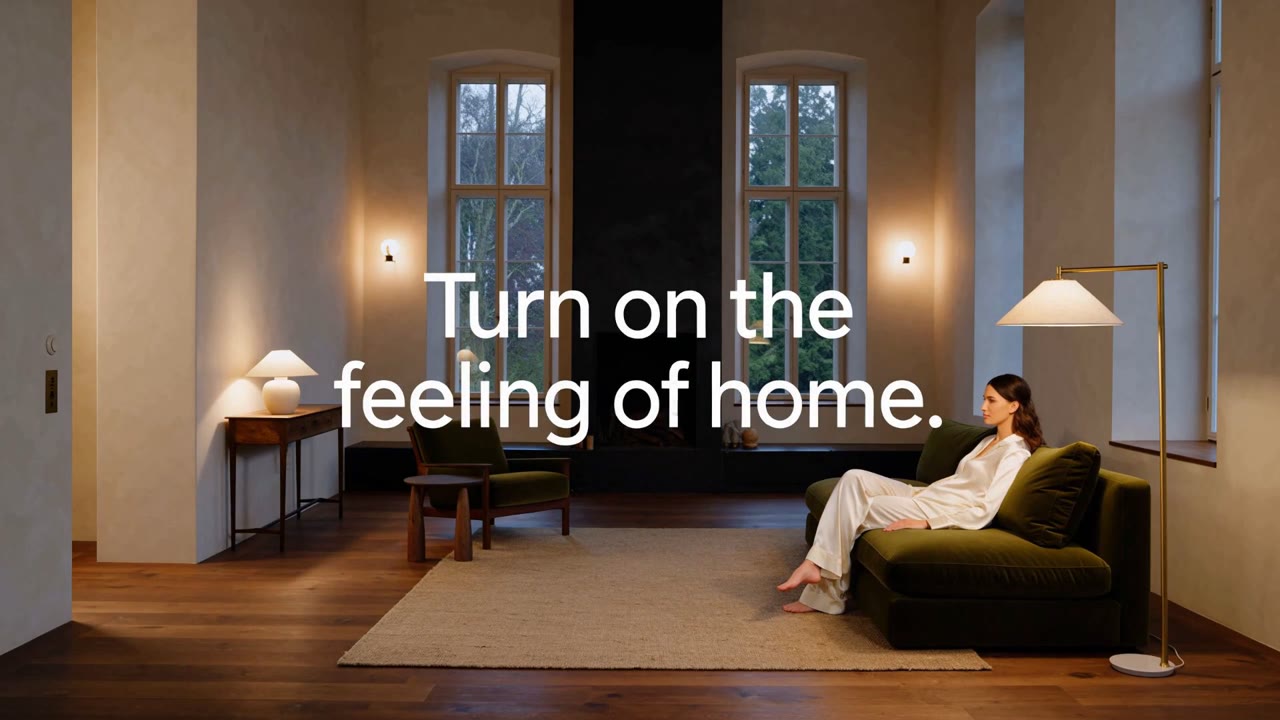
In this 29-second brand film, a room goes from cool and empty to warm and lived-in. Watch the change in light, then try the separate lamp-and-sofa shot-list exercise below.
Let’s make: A reviewed shot list, followed by storyboard images that make the story easy to follow before you generate video.
01
What an AI storyboard generator should help you review
Start with the story in words. Then decide where the camera needs to be for each beat. A shot list describes those views; a storyboard lets you see them before making video.
Ask Director to break your agreed script into shots. Read that sequence first, then review character and setting references before generating the storyboard images. If a moment is confusing in the shot list, this is a good time to simplify it.
02
Write what the audience needs to see
A script can say that someone feels welcome. A shot needs something visible: a hand reaches for a lamp, warm light reveals the room, a person sits down and relaxes. Start by identifying the action or detail that carries each beat.
Keep dialogue beside the action that happens while it is spoken. If a paragraph includes an entrance, a search, a discovery and a conversation, it may need several shots. Do not force all of it into one short clip.
03
Read a three-frame storyboard without the words
Here’s a second, illustrated example: Pip brings his paper boat home, gives it a dry place and goes to bed. We made these three stills in Vixel for a bedtime story. Look at what changes from one frame to the next.

1. Bring it home. The wide view shows the boat outside and the lit porch he is heading toward. 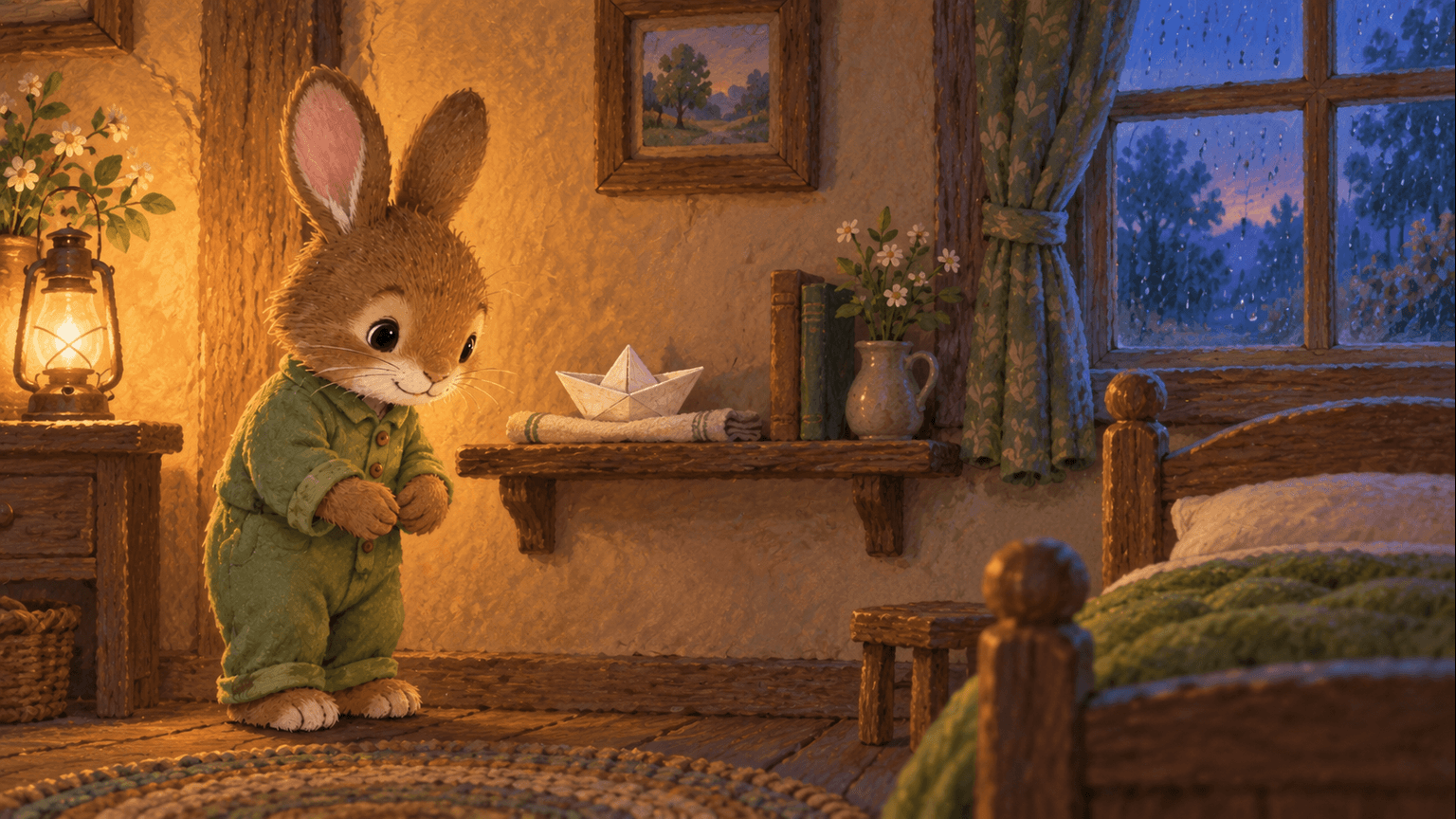
2. Give it a dry place. Inside the room, the boat on its cloth shows that Pip has finished his task. 
3. Let the story rest. Keeping both Pip and the safe boat in view makes the ending clear without narration.
Before you continue: Can you follow the task without narration? These stills show the key moments. A future animated version would also need to show Pip carrying and setting down the boat; the pictures alone don’t prove that movement works.
04
Give each shot a reason to exist
Use a wide view when the viewer needs to understand the space. Move closer when a face, hand or object carries the information. A new camera angle should clarify something or change the feeling; extra cuts alone do not make a scene cinematic.
- Describe where the shot begins and who or what is visible.
- State the main action, demonstration or reaction.
- Describe the end position or detail the next shot must pick up.
05
Give the action enough time
Read dialogue aloud at a natural pace. Allow time for looking, reaching, moving and reacting. If a shot feels rushed on paper, simplify the action or split the moment before generating it.
Vixel can plan a short sequence in a handful of video segments. Ask the Director to suggest the shots, then check that you can follow the action at the intended duration.
06
Review the plan before spending on images
Read the shot list in order. Remove repeated views, split actions that cannot fit together and settle the ending before visual production. Check the current plan and displayed credit cost when moving to image or video generation.
Do not treat a quoted shot cost as the budget for the whole film. Reference images, additional shots and retries can add to the total. Test one important shot, inspect it, then decide whether to produce the remaining sequence.
07
Check the handoff between shots
Before asking for video, review the character references and each storyboard image. Check which hand holds a prop, which direction the character is moving and where other people stand. If the next image contradicts the previous one, fix that specific image first.
Bring a script you wrote or have permission to use. If you have a reference video, explain what you like about its pacing, framing or mood so the Director can understand your intent.
Questions you might have
- What is the difference between a shot list and a storyboard?
- A shot list describes each view in words: framing, action and what happens next. A storyboard adds pictures so you can judge the sequence visually. Start with the list, then draw or generate the frames you need to check.
- Do I need to animate the storyboard?
- No. Still images are enough to check the order, framing and continuity. Make video after the sequence reads clearly and you know which movements you want to test.
What does your scene need us to notice?
Open the home-film idea, or replace it with a scene you’ve been thinking about. Start with the script; the camera choices can follow once the story feels right.
Plan a scene in CreatorPaid media uses credits. Check current plans.
Written by the Vixel team. About our guides and examples. If a step needs correcting, let us know.
Start with the task in front of you
Turn a product message into a script and shot sequence with Director.
Develop a character or a visual direction before producing your shots.