
Vixel guides
How to make a bedtime story video with AI
Pip has left his paper boat in the rain. Help him bring it home in three pictures and a short read-aloud story. Start with the illustrated version; animation can wait.
By Vixel team · Updated
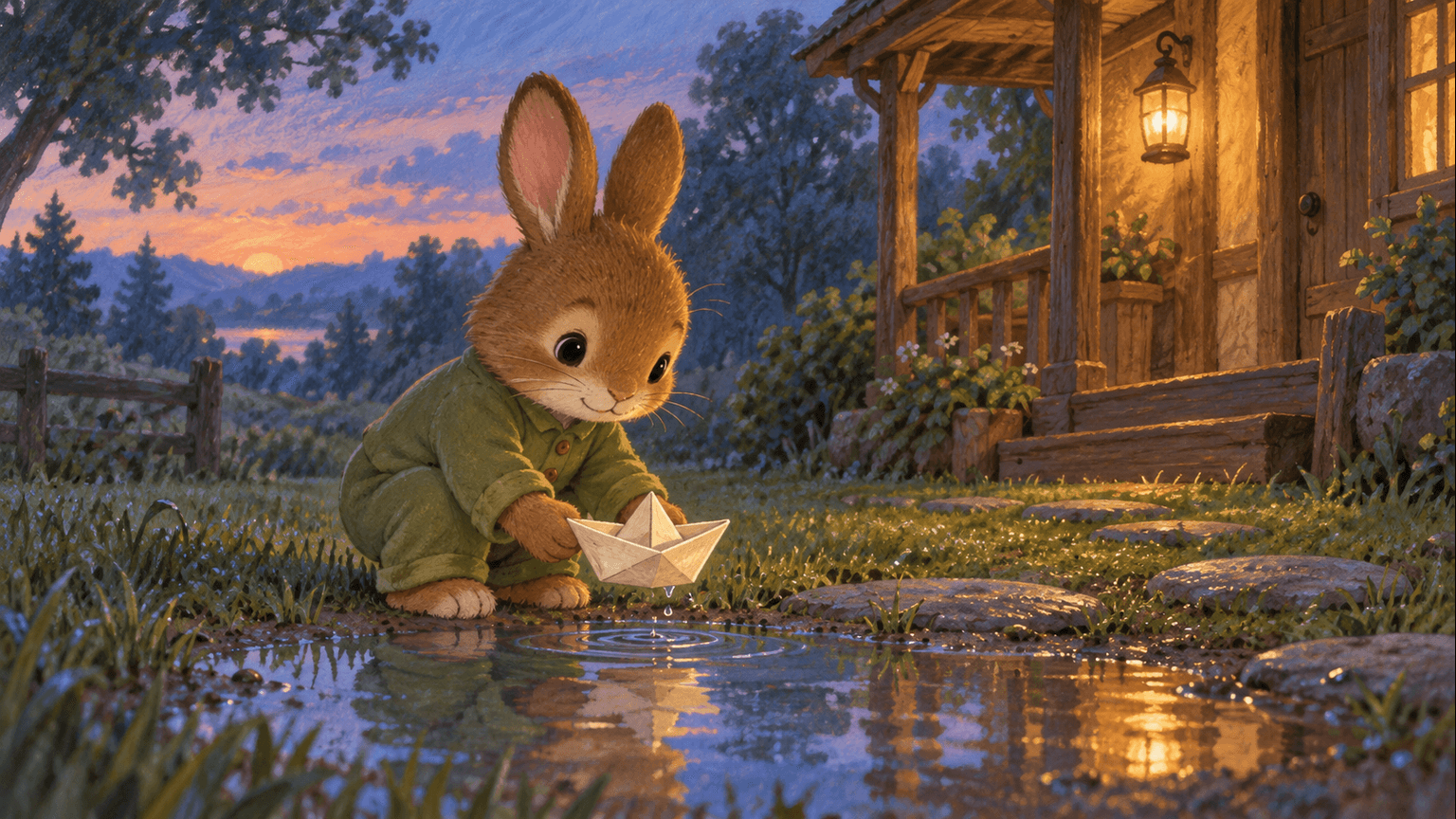
Let’s make: A short read-aloud story with three illustrations. Keep it as a picture story, or use the same scenes to plan a little film.
01
Start with the story you want to tell
Maybe you want a few lines to read tonight. Maybe you want to make a little film together at the weekend. Start with the same small story; you can decide what to do with the pictures later.
We’ll write for ages 4–6, use simple English and stay by one little house. Pip has left his boat outside. He brings it in, finds it a dry spot and says goodnight. Change the age, language or favorite object to suit the person you’re making it for.
02
Read it aloud before making a single image
Try the draft below at your own pace. Pause after Pip reaches the porch. Let the final line sit for a moment. If a sentence feels awkward in your mouth, say it another way; that is usually the version to keep.
You might swap Pip’s name for a nickname or give him a familiar favorite toy. You don’t need a child’s photo, full name or other identifying details to make the story feel personal.
Before you continue: The story should feel complete when you read it without pictures. Keep the lines that sound natural to you.
03
Trade a big sentence for a small thing we can see
Read this line out loud: “Pip felt a profound sense of comfort as the storm approached.” It tells us how he feels, but it doesn’t give us much to picture.
Try this instead: “Pip pulled the blanket up to his nose. His boat was dry.” Now there’s something for a child to imagine and a simple action to put on screen. You don’t have to make every line clever. A familiar gesture often does the work.
04
Give each picture one small job
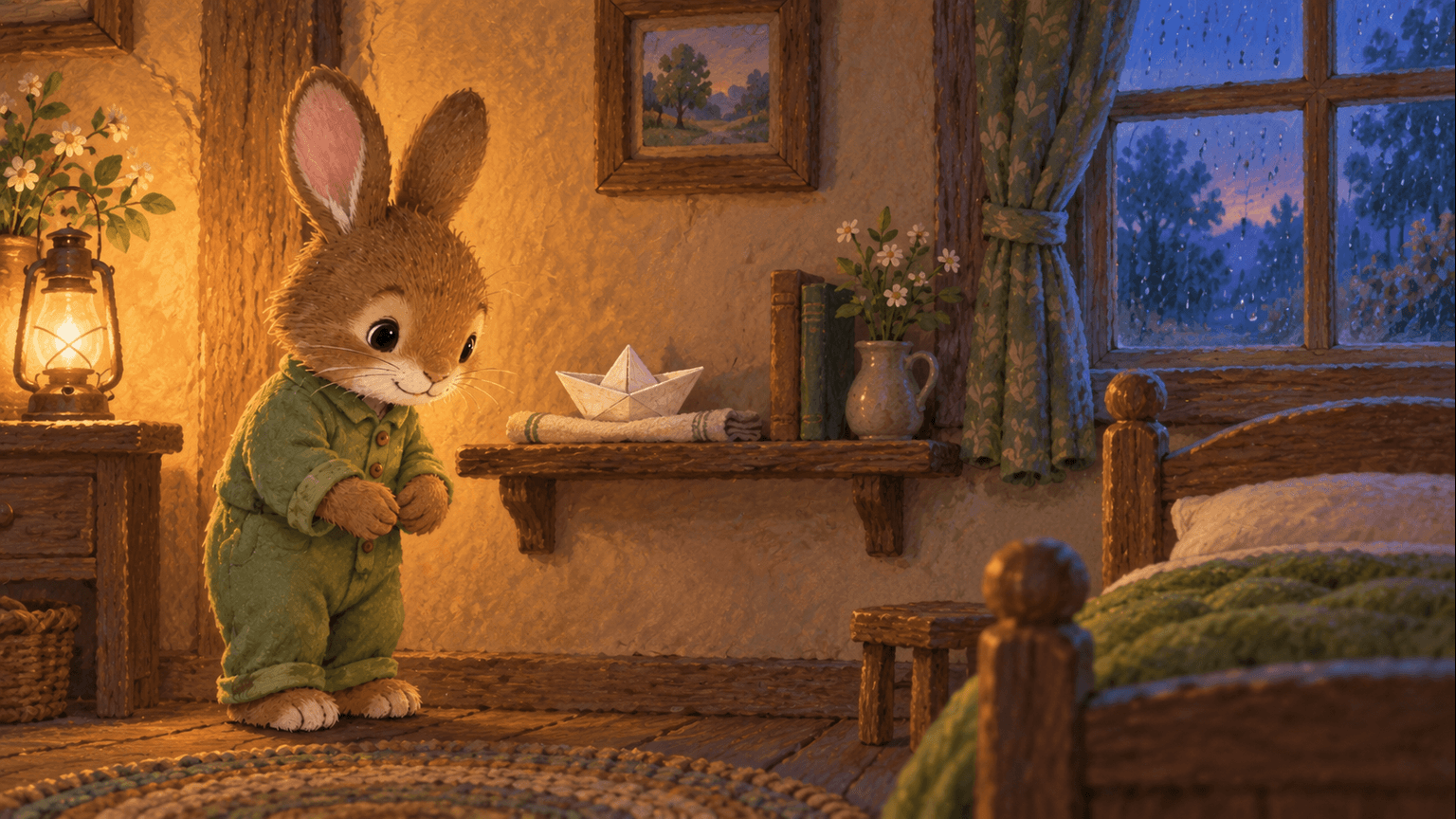
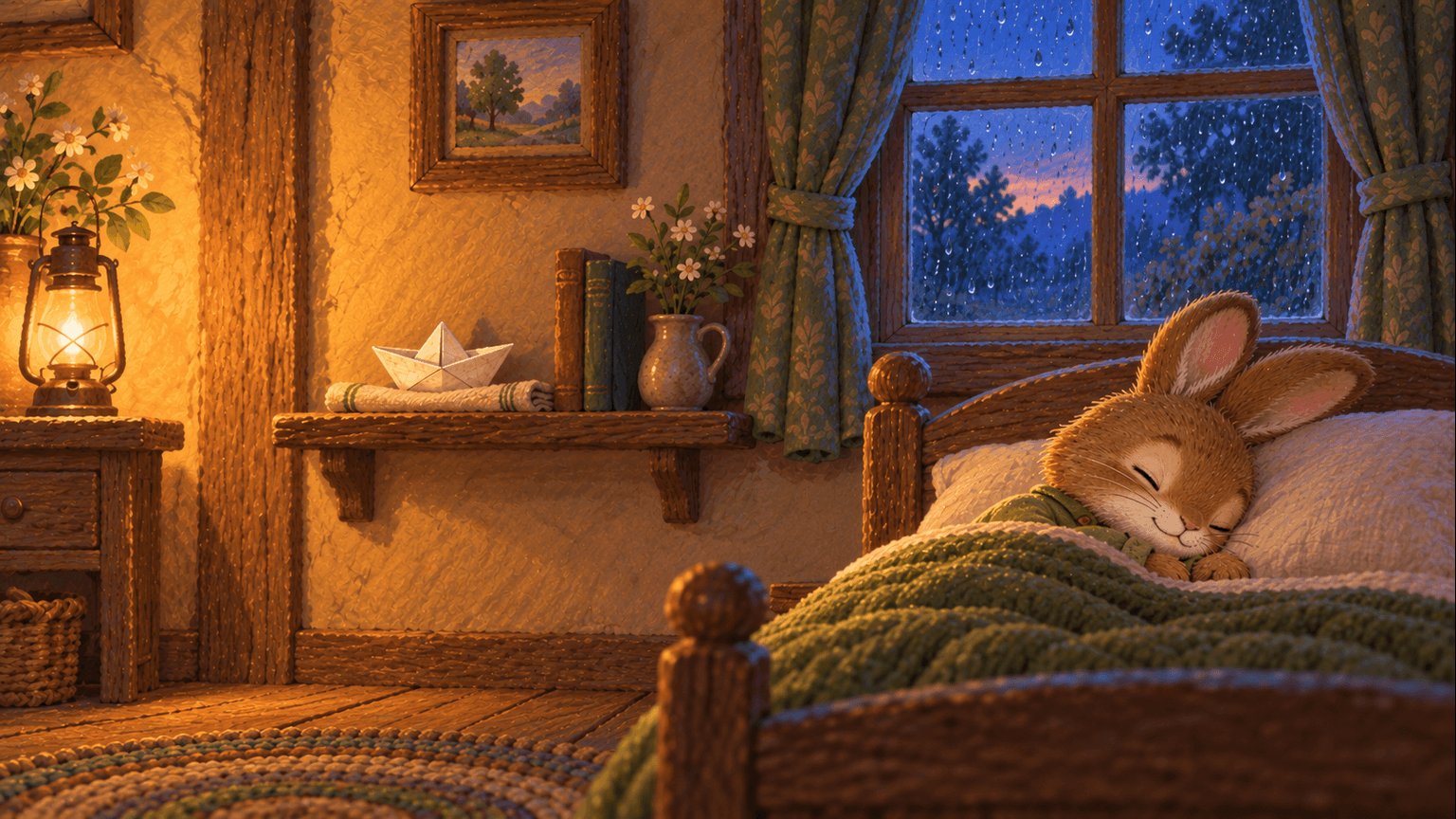
Three pictures are enough for this little story: the walk home, the boat finding its place, then Pip resting. Each one lets us notice something new. If you later animate them, read your version aloud to set the pace. Around 40–60 seconds is a planning range, not the length of a finished film.
05
Keep the same rabbit and the same boat
Choose Pip’s look before you build the whole sequence. For this version: small brown rabbit, cream muzzle, moss-green pajamas and a plain cream paper boat. Keep those details in the character and prop references you use for the shots.
Review one storyboard image first. Can you see the boat clearly? Does Pip look like the character you imagined? Once you like the reference, compare the next shots with it. A change of camera angle should still leave him recognizable.
- Keep the pajamas, fur colors and boat shape consistent across the three scenes.
- Use warm, readable light; a night scene still needs enough light to follow the action.
- Keep the shelf and window in believable positions when you move indoors.
06
Want to turn the pictures into a film?
You can stop with the three pictures and read the story aloud. If you want to try animation, Pip putting the boat down is the movement to test first. Review the selected model, settings and credit estimate, then watch the whole clip. Check that the boat keeps its shape, his hands release it and the cloth stays on the shelf. If something changes, simplify that action before trying again.
Assemble the accepted clips and read or record the narration against them. Give the pictures room between sentences. Keep music low enough that every word is clear, and avoid abrupt changes in volume. Use the editing options available in your workspace, or finish narration and sound in your usual video editor.
Watch the exported file all the way through before sharing it. Check the actual duration, sound and crop. For a family keepsake, you can share it privately; for a channel, check your platform’s current audience and publishing requirements.
07
A few things to know before you start
You can read this guide, use the practice story and download the shot sheet without signing in. Opening the brief takes you into the Vixel creation flow; sign in when asked to continue your project. Image and video production uses credits, so review the current plan and the estimate before generating.
Read the story and look at the pictures together tonight. Animation is an optional next step, with its own time, cost and review. These three illustrations are a finished picture-story example; we haven’t made an animated version of Pip’s story.
Questions you might have
- Does a bedtime story need to be a video?
- No. A short story and a few pictures are enough to read together. Pip’s example is a finished illustrated story. You can keep yours that way or try animation later.
- How do I make the story feel personal?
- Choose a familiar small problem, a favorite object or a nickname. Read the draft aloud and replace any line you would never say. You don’t need a child’s photo or identifying details.
What does Pip bring home?
A paper boat, a favorite pebble, a tiny red umbrella? Change that one detail and read your version aloud. The starting brief is ready for you in Creator.
Make this story your ownPaid media uses credits. Check current plans.
Written by the Vixel team. About our guides and examples. If a step needs correcting, let us know.
Start with the task in front of you
Find a character, shape the ending and develop a story draft with Director.
Plan a single action and refine it in the video workspace.
Develop a character or a visual direction before producing your shots.
Turn a product message into a script and shot sequence with Director.