
Vixel guides
Make your first AI animation for children
A little cloud notices a thirsty seed. That’s enough to start a story. Here’s how to turn a small idea into a children’s animation, from the first few lines to the final watch-through.
By Vixel team · Updated
Your idea is filled in. Change anything, then ask for a script.
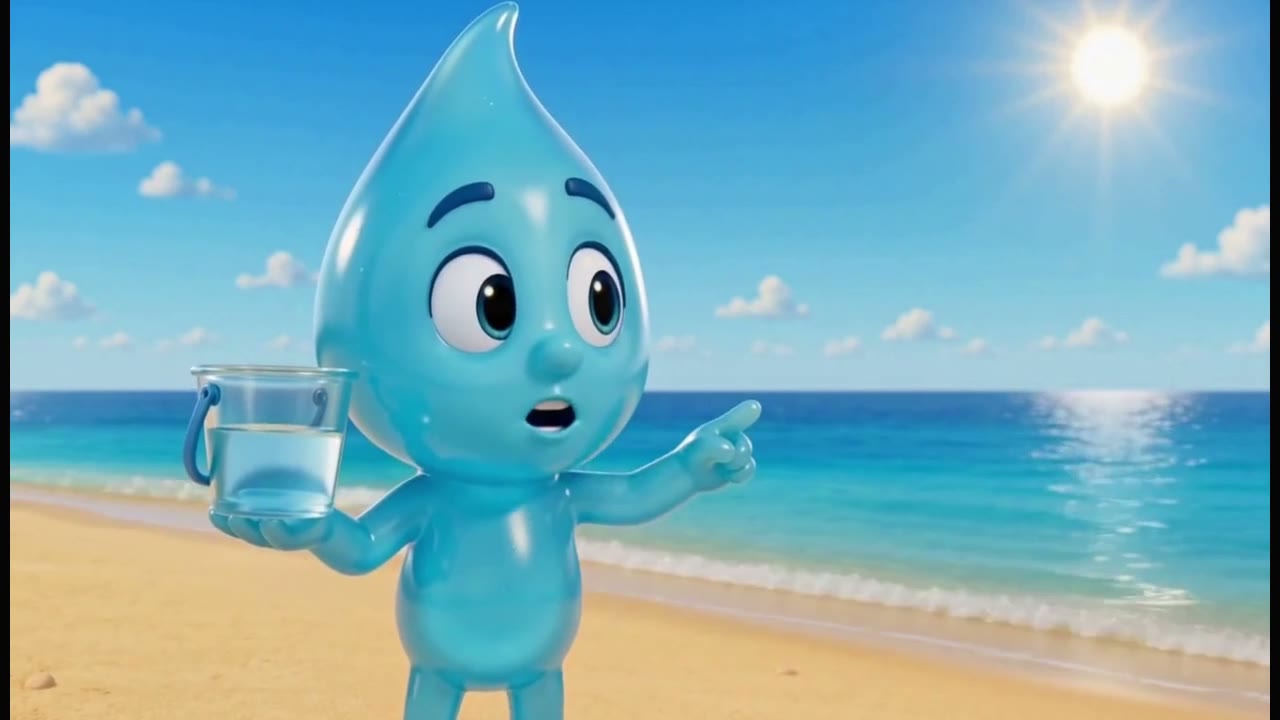
One curious water drop, a glass of water and a very big question. Watch our 40-second short, then try a little story of your own below.
Let’s make: A 30-second story about a cloud and a seed, with a script, a character look and a few shots you can build on. Make it for your child, your class or your channel.
01
Start with a tiny problem
Think of a moment a child might care about: a lost toy, a seed waiting for rain, a bunny who wants someone to play with. Give one character something to do. You can save the bigger adventure for another day.
For this guide, let’s make an original 30-second story for ages 3–6. We’ll stay in one garden and use simple English narration. You can change the age, language and setting when you open the brief.
02
Write it the way you’d tell it
Open the brief in Creator, make it yours, and ask Director for a short script. Read it aloud as if you were sitting beside the child who will watch it. If you run out of breath or stumble over a phrase, shorten the line.
Leave little gaps for the cloud to notice, hesitate and smile. The pictures need a turn to tell the story, too. If the script feels too busy, ask for one small change: “Keep the cloud and seed, but use fewer words and give the ending more time.”
03
Keep the magic. Check the facts.
A talking cloud belongs in a story. An explanation of how plants grow needs a little homework. If your film teaches a real-world idea, check the narration against a reliable source before you make the shots.
You can keep this first story about the pleasure of helping someone. For a classroom film, decide which one idea you want children to take away, and check that the pictures explain it as carefully as the words. If time passes in the story, show that change rather than squeezing everything into one instant.
04
Find a face you’ll want to see again
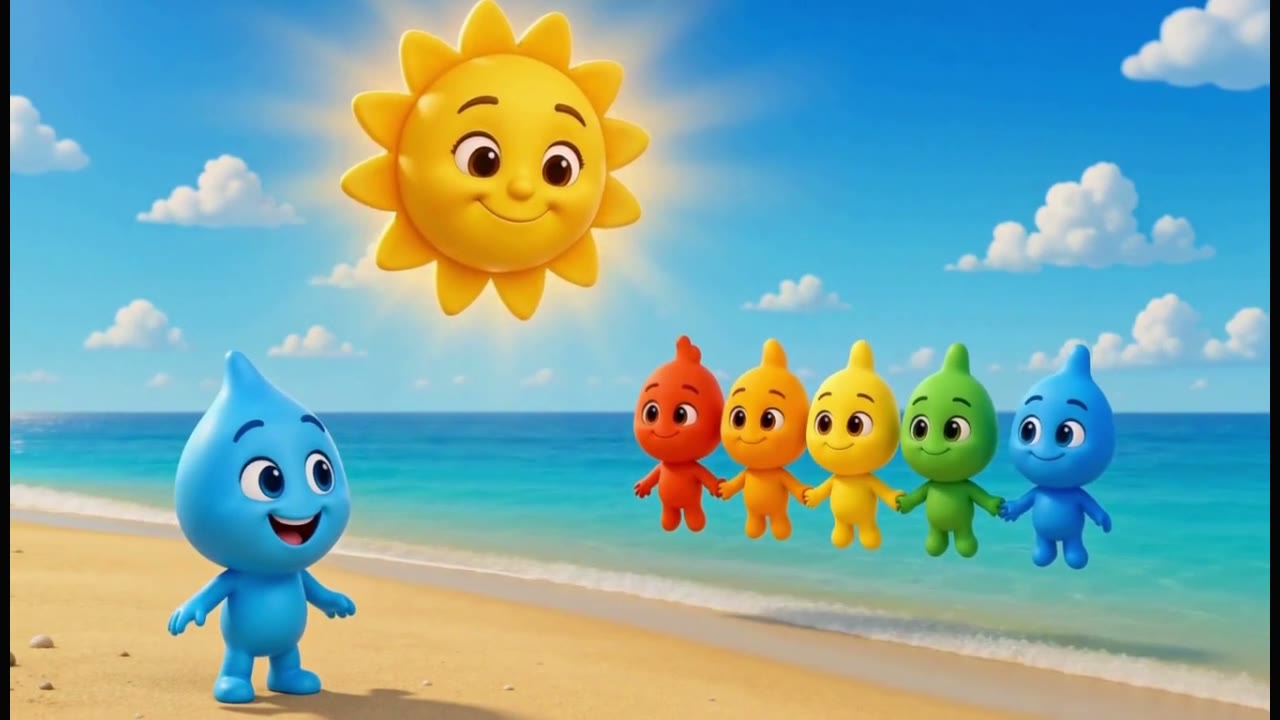
Is your cloud round and shy, or small and a little mischievous? Choose a character reference you like, along with a simple garden setting. Keep them beside you as you review the storyboard, so the next angle still feels like your cloud.
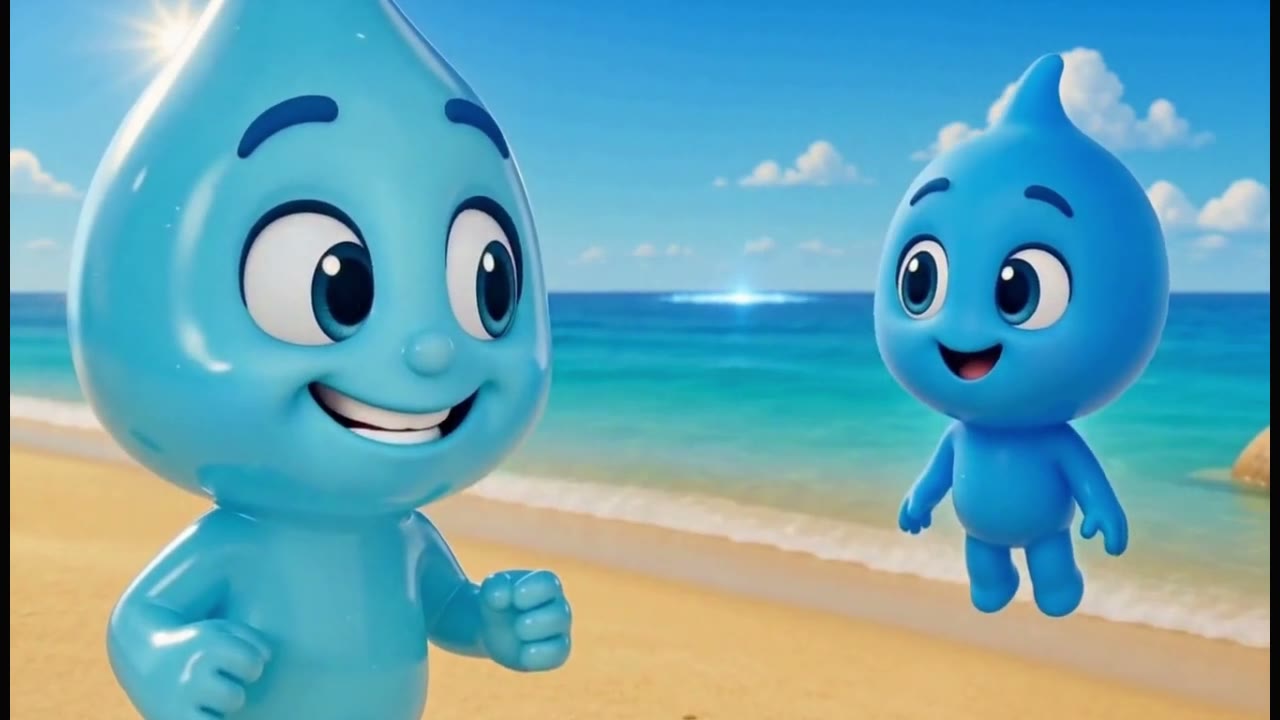
Make one shot’s image feel right before turning it into video. Look at the expression and the action: can you tell what the cloud is doing? Once that first clip works, carry the same references into the next shot. Check the credit estimate before each generation, and allow some room for a retry.
05
Watch it once without the narration
Put your clips in order on the timeline and try watching them with the sound off. Can you follow the cloud noticing the seed, sharing the rain and returning to the garden? If a moment is missing, fix that part before adding more dialogue.
Then turn the sound back on. Listen for rushed lines or a sudden change in volume, and give the last smile a moment to land. When you’re happy with it, export from your workspace and watch the saved film once before sharing it with children.
06
Leave yourself a note for the next one
Save the cloud’s description, your favorite reference and the narration you kept. Add one useful note, such as “the close-up needed a longer pause” or “three story beats were plenty.” Jot down your retries and credit spend while you still remember them.
If you make another episode, keep the character and give it a new small problem. Perhaps the cloud finds a muddy puddle, or a flower that wants a little shade. You already have a place to begin.
What would your little cloud do?
Give it a name, change the garden to a window box, or tell the story in your family’s language. The cloud-and-seed brief is ready in Creator for you to make your own.
Start my children's animationPaid media uses credits. Check current plans.
Written by the Vixel team. About our guides and examples. If a step needs correcting, let us know.
Start with the task in front of you
Find a character, shape the ending and develop a story draft with Director.
Plan a single action and refine it in the video workspace.
Develop a character or a visual direction before producing your shots.
Turn a product message into a script and shot sequence with Director.