
1:00
How I Made This Vixel Promo
The story, shots, and effects behind a 60-second Vixel film.
Vixel guides
Tell Vixel what you want to make. Shape the story, review the shots, and build a film that feels like yours. These guides are here when you need a hand.
The story, shots, and effects behind a 60-second Vixel film.
Start here
Start small, tell Vixel your idea, and review the result one step at a time. You don’t need to learn the whole production process before you begin.
Read the getting-started guide →
Make an AI music video from your performer photo and song. Follow a fifteen-second scene, write a brief you can adapt and learn what to check in the first clip.

Plan an animated explainer with a clear question, a simple visual example and one takeaway. Try a felt-style story about water drops on a cold glass.
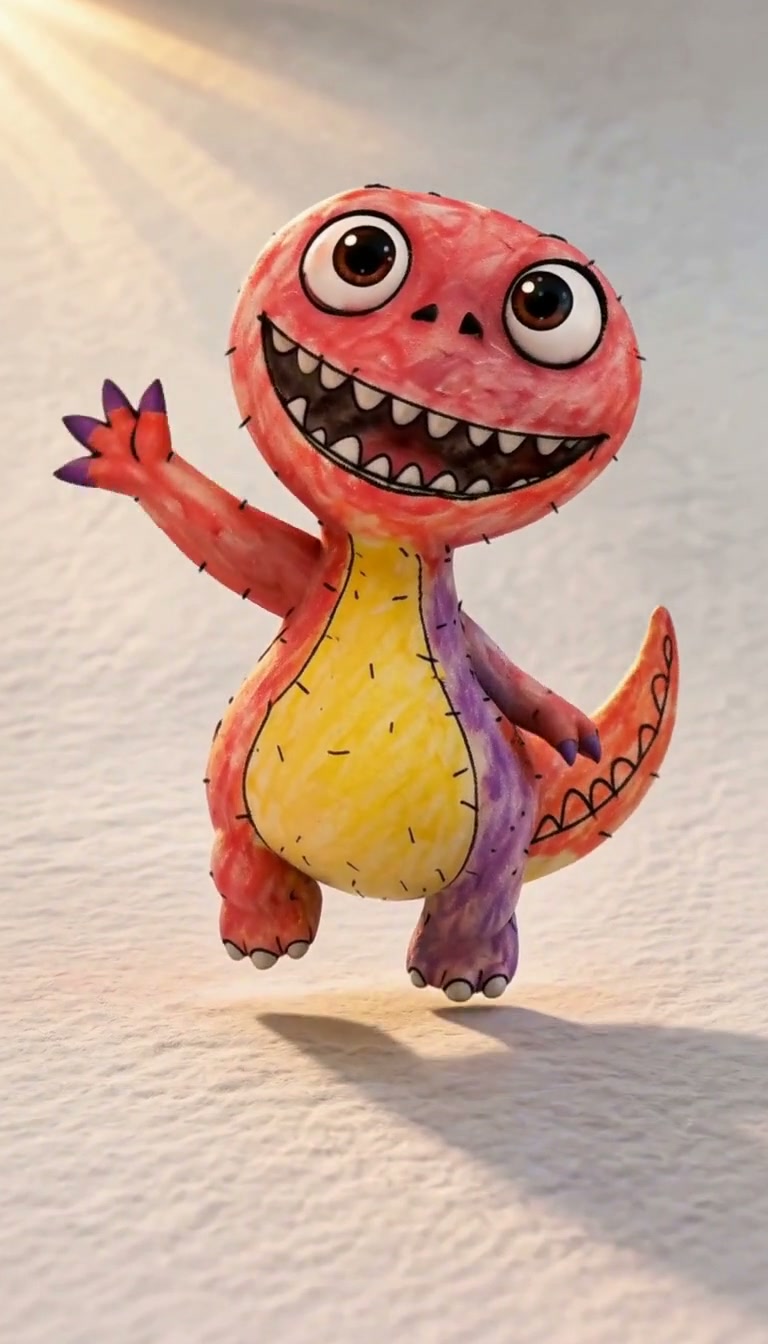
Animate kids’ drawings with AI: upload a picture, preserve its character and plan the motion. Follow a real crayon dinosaur from drawing to a 10-second video.
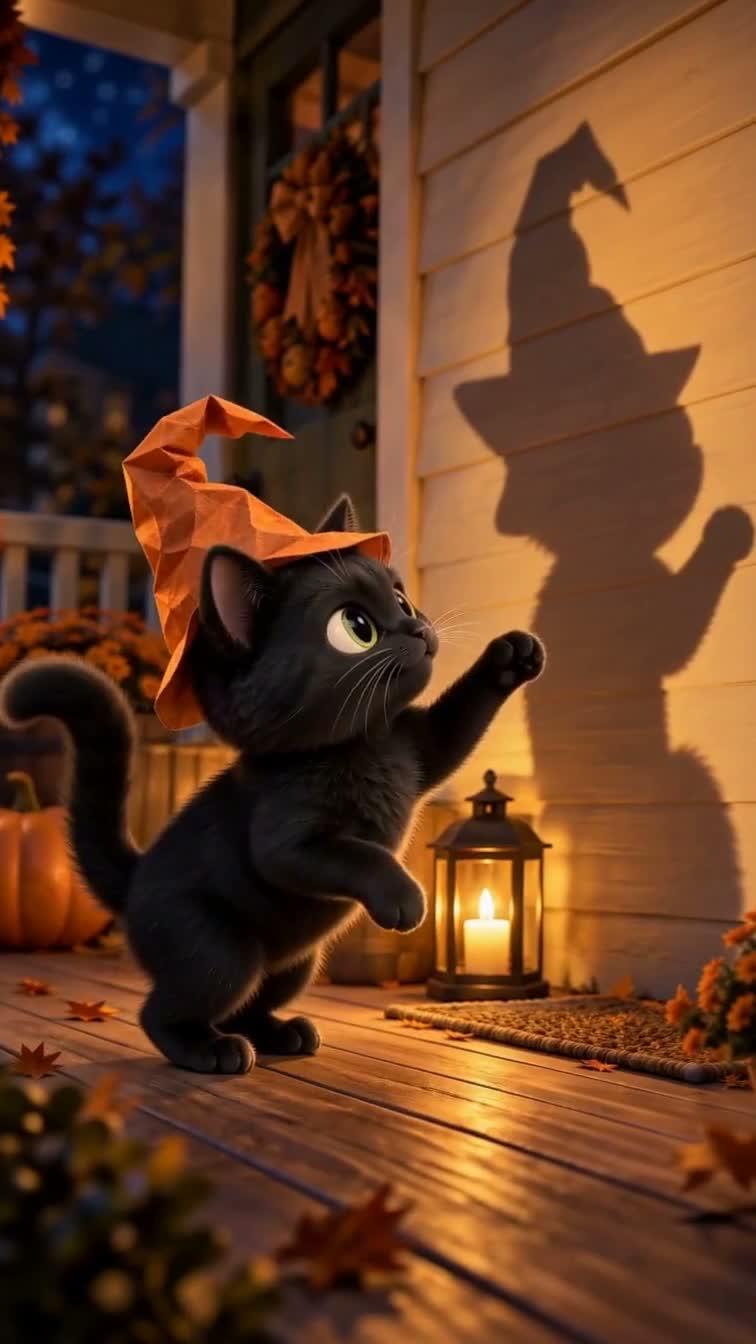
Turn your cat photo into an AI Halloween video. Keep your pet recognizable, plan four story beats and follow an illustrated 24-second cartoon cat example.
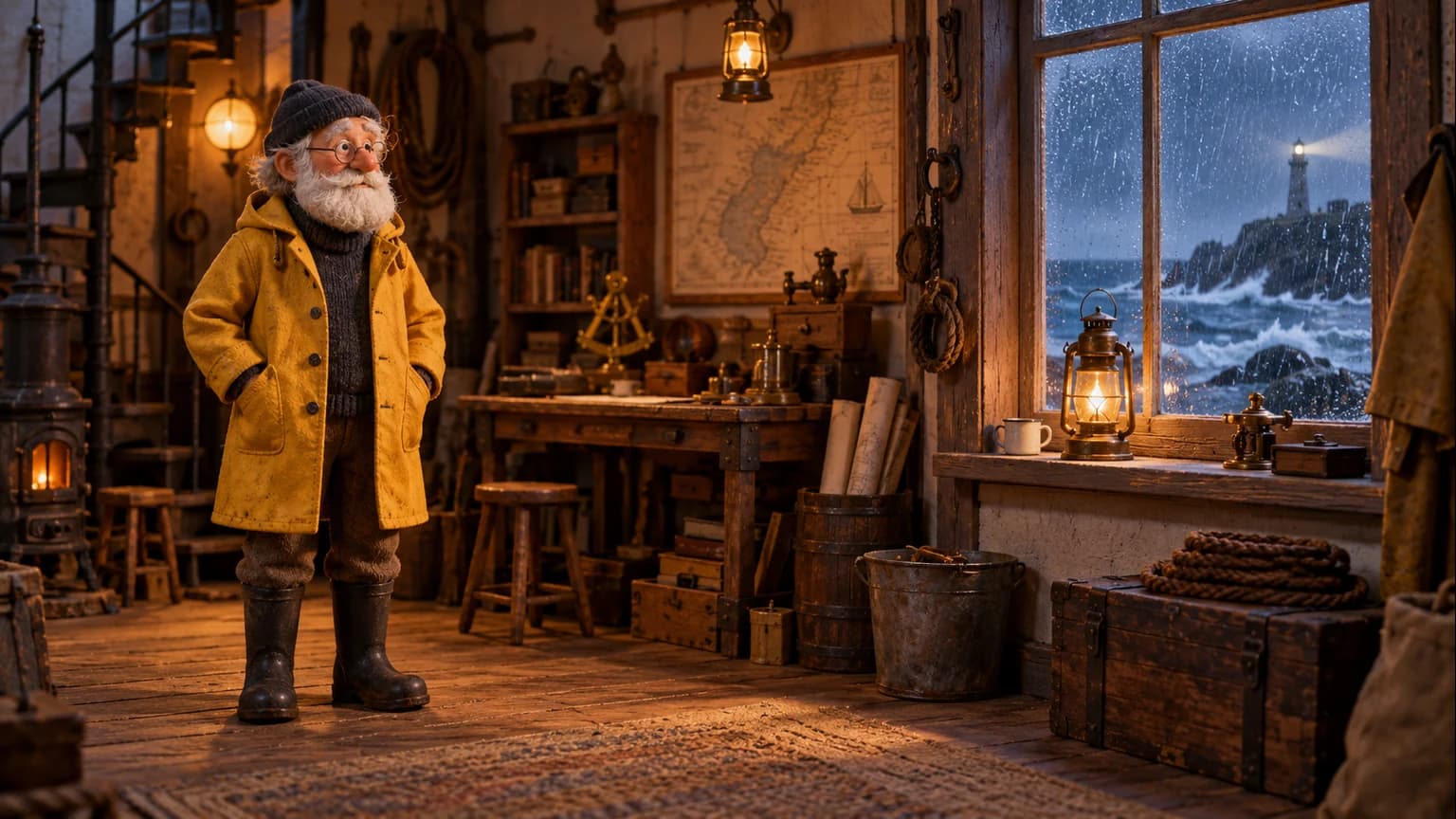
Build an AI storybook character, setting and storyboard with a handmade stop-motion look. Real examples, an editable image prompt and a Director style starter.
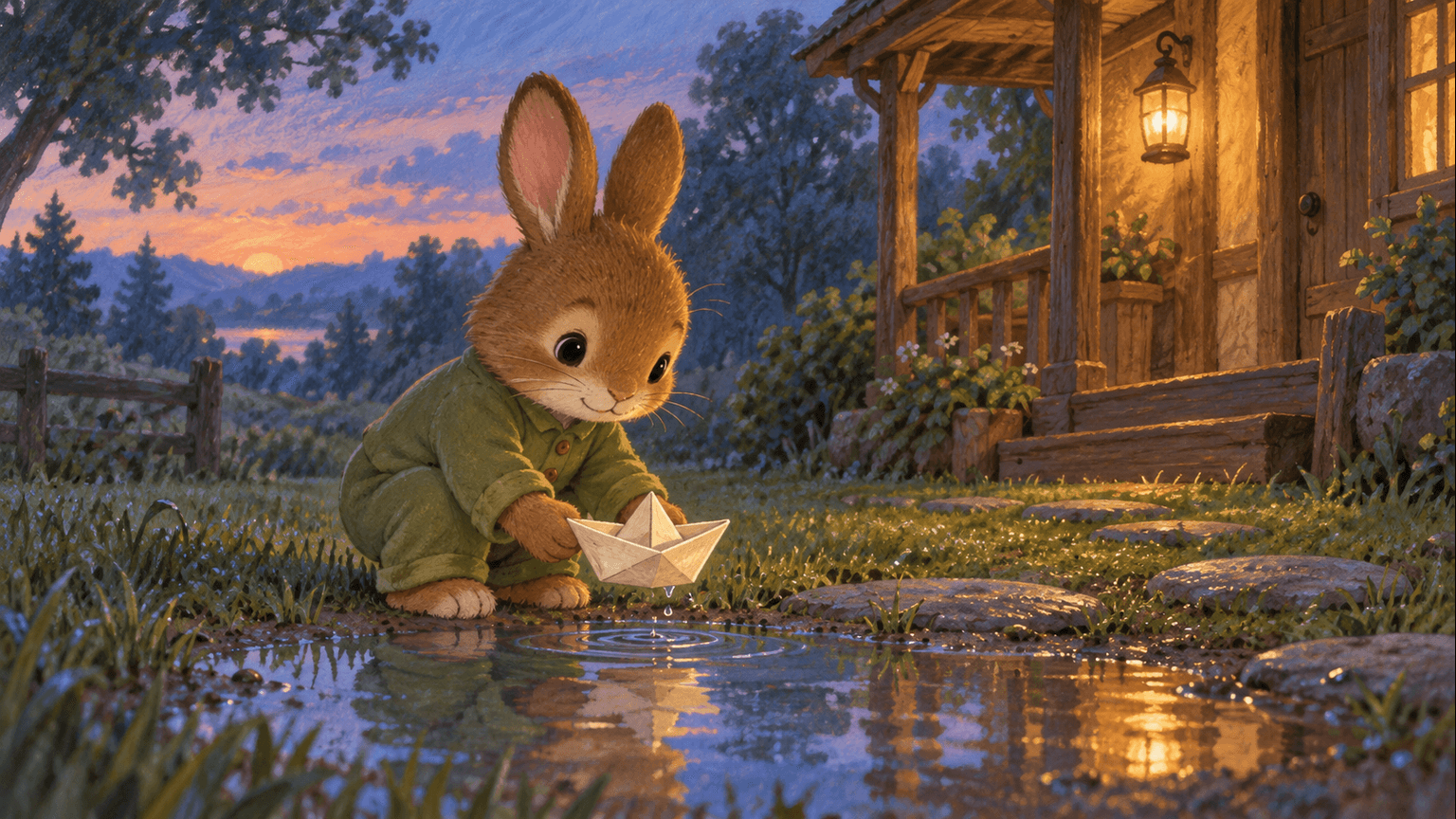
Make Pip’s paper-boat bedtime story your own. Read the script, follow three original illustrations and keep it as a picture story or plan an animation.
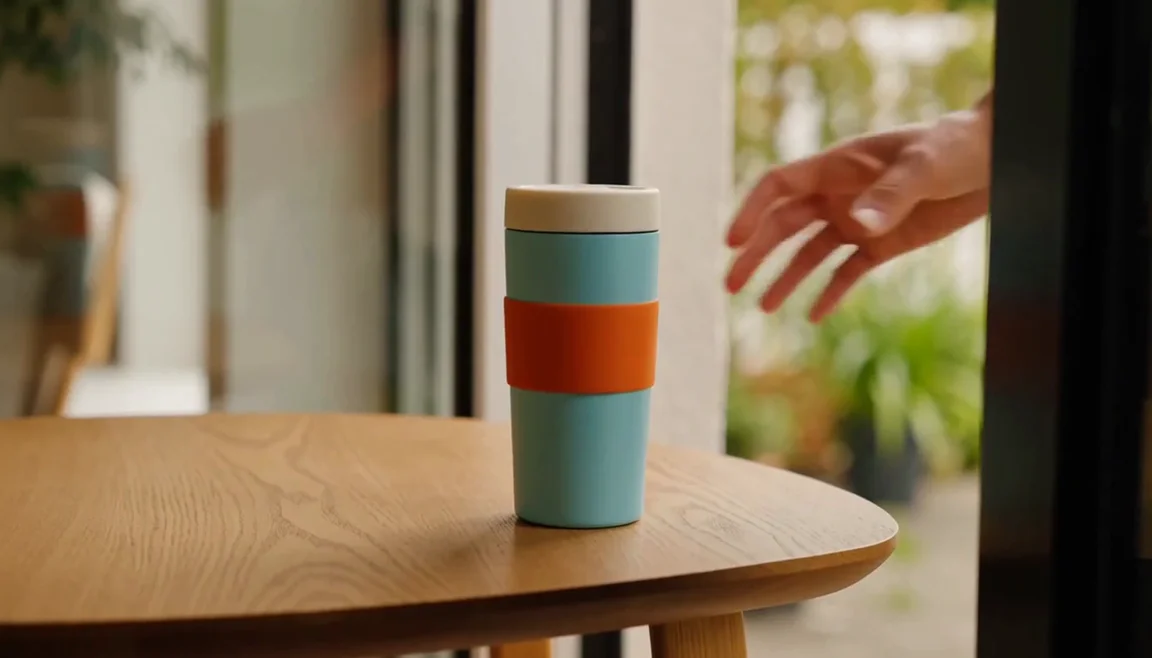
Turn a product photo into a short commercial brief. Follow a travel-mug video study, plan three connected shots and check the product before making your own ad.
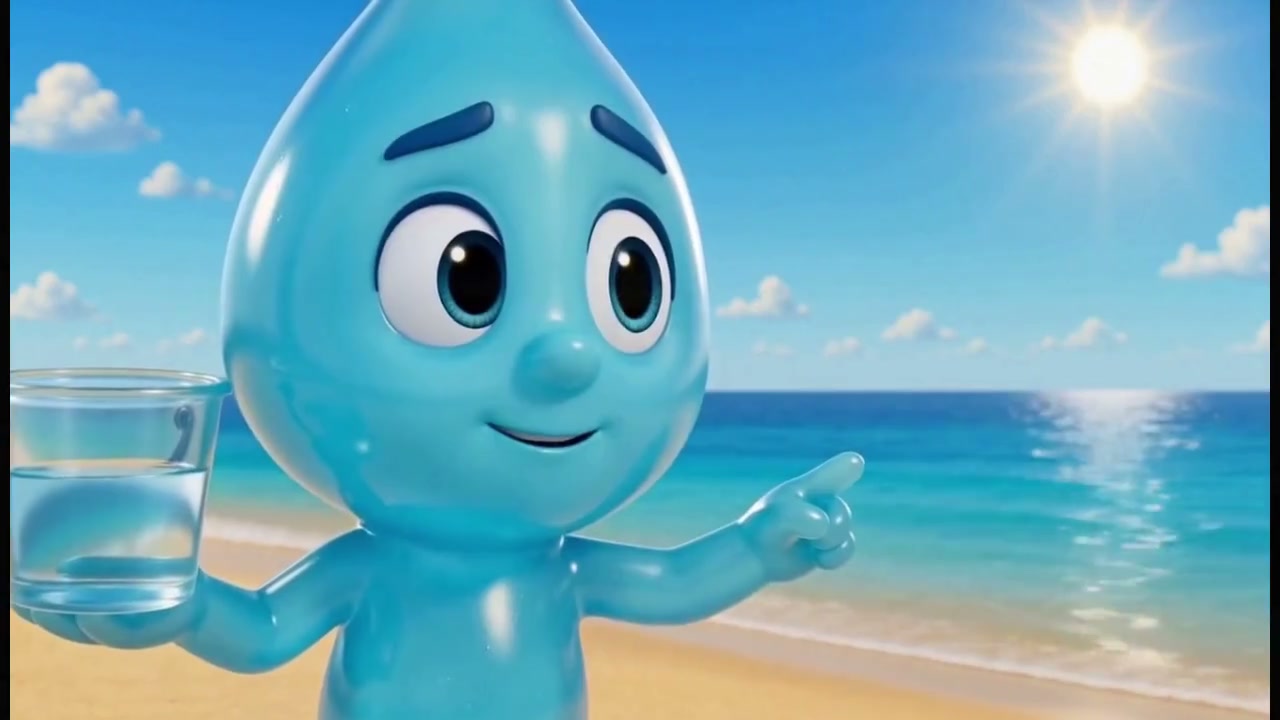
Make a children's animation in Vixel with a simple story, expressive characters and room for a little wonder. Follow six steps with a real short-film example.

Use Vixel to turn a script into a shot list, then review storyboard images before video production. Follow a worked scene breakdown and a real film example.
Make animated YouTube Shorts with AI: plan a 30-second story, frame the action vertically, test one clip and check captions before uploading. Includes a shot plan.
Keep AI characters consistent with reference images and targeted revisions. Follow Pip from his story image to front and side views, then compare scenes.
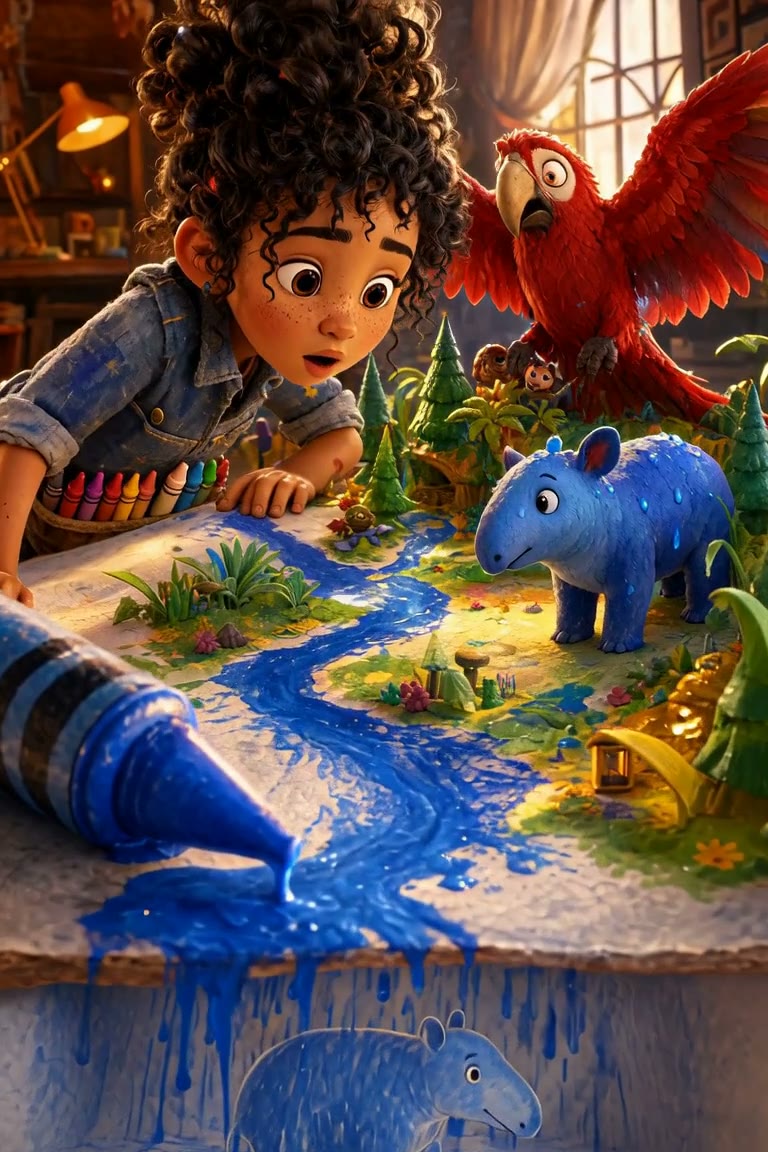
Learn how to continue a stalled AI film or revise one image or clip while keeping the parts of your Vixel project that already work.
Create from your agent
Working in Codex, Claude Code or Cursor? Connect your Vixel studio, shape a script and review the shots from there.
Explore Vixel MCP & CLI →Find a character, shape the ending and develop a story draft with Director.
Plan a single action and refine it in the video workspace.
Develop a character or a visual direction before producing your shots.
Turn a product message into a script and shot sequence with Director.
New to Vixel? See what you can make.
Earlier Worlds guides