
A short film does not need choices to work
Watch the opening of Bella’s Special Delivery: a toddler has a pink toy car, her mother has a pile of towels, and a household errand becomes a delivery game. You can follow the action without making a decision for either character.
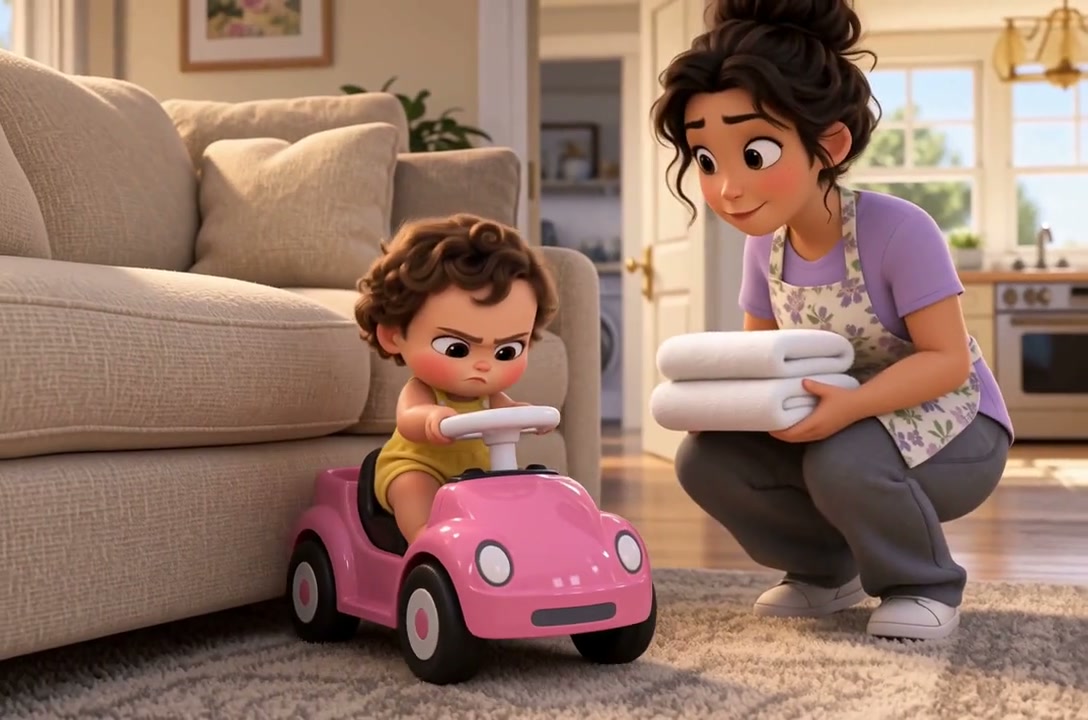
A viewer-choice version would need another reason to exist. Does choosing change what Bella does, what she learns, or how the errand ends? If the answer is no, keep the linear edit.
When does a choice help?
Give the audience enough information to choose, but leave the outcome uncertain. “Tell your partner about the missing key” creates a decision about trust. “Go left or right” means very little unless the viewer knows what might be down each corridor.
Place the choice just before the character acts. Let the following scene show a consequence: the partner helps, refuses, or discovers the lie later. Two buttons that play the same scene with a different line of dialogue may not justify interrupting the film.
Plan one decision before planning a whole branching story
Try this original scene-planning exercise: a courier finds a dropped letter outside a station. Through a café window, its owner is searching her bag. The last train home leaves in a minute.
- Shared opening: a wide shot establishes the café and station. A close-up shows the letter at the courier’s feet. A third shot connects the searching owner with the train’s final boarding call.
- One decision: “Return the letter now” or “Catch the train.” These labels name actions, not “good” and “bad” endings.
- Return it: the courier hands over the letter; the owner hugs it to her chest. Outside, the train pulls away. The courier sits on the station bench.
- Catch the train: the courier boards with the letter still in hand. Through the moving window, the café owner is still searching. The courier looks back down at the envelope.
Neither route needs a new location or character. The same departure has a different meaning because of the viewer’s choice.
Count shared shots once
| Sequence | Shots to plan | Who sees it |
|---|---|---|
| Opening | 3 | Every viewer |
| Return the letter | 2 | Route A |
| Catch the train | 2 | Route B |
That is seven distinct planned shots; each viewer sees five. It is a planning count, not a generation or credit estimate. Extra takes, dialogue, failed generations and revisions can all add work.
What extra work does interaction add?
- More material to review. Alternate scenes can require new images, video, dialogue and revisions. Credit use depends on what you generate and retry.
- Continuity across paths. Check that the character, props and story facts still make sense after each decision.
- A suitable player. A normal exported video follows one sequence. Clickable choices need an interactive player and connected scenes.
- A complete preview. Play every route from the opening to an ending; do not only test your favorite path.
How this fits into Vixel
Vixel Creator helps you develop a story, review shots and produce an AI short film. You do not need to plan branches to begin. Use the first-film guide for that workflow.
Vixel also has published playable stories. Open an example to see how watching and choosing feel together. These examples demonstrate the interactive format; they do not mean an exported film automatically gains clickable choices.
Before you generate the branches
Read both routes aloud, including the button labels. Check these four things:
- Can the viewer explain the decision before seeing either ending?
- Does each route show what the character gains or gives up?
- Do the letter, clothing and time of day stay consistent when the shared opening cuts to either branch?
- Can someone else reach and replay both endings in the player you plan to use?
If you only need a film to upload to a video channel, choose one ending and edit that route. If the decision is the point of the experience, confirm your interactive publishing route before generating both endings.